

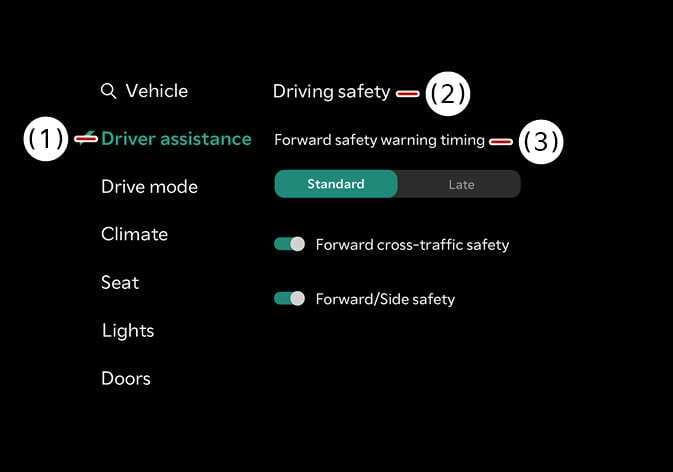
Forward Safety Warning Timing
 N_TK25Z011_E |
|
With the vehicle on, touch on the infotainment system to change the initial warning activation timing of Forward Collision-Avoidance Assist.
-
Use Standard in normal driving conditions. If the Warning Timing seems sensitive, change it to Late.
-
If you select Late, Forward Collision-Avoidance Assist warns you more slowly.
CAUTION
-
Even if you select Standard Warning Timing, the warning may seem too slow if the vehicle ahead stops suddenly.
-
Select Late Warning Timing when driving at low speeds in light traffic.
TIP
The warning timing will not reset, even when restarting the vehicle.