

Stopping vehicle and ending brake control
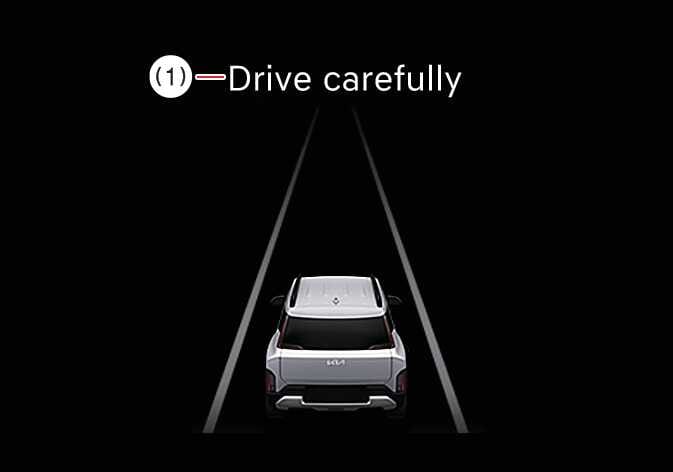 OAYI006026L |
|
When Emergency Braking stops your vehicle, a warning message appears on the instrument cluster.
For safety purposes, you should immediately engage the brake pedal and check the vehicle’s surroundings.
Brake control ends approximately 2 seconds after Emergency Braking stops your vehicle.
-
If your vehicle or the oncoming vehicle is not driving straight, the Front Oncoming function warning and control may be late or may not operate.
-
When driving at night, the ability to detect motorcycles is decreased. Thus, the Forward Collision- Avoidance Assist system may temporarily be limited or not work.
Press the hazard lights button to turn OFF the warning sound during collision warning and emergency braking.
-
For your safety, change the settings only after parking the vehicle at a safe location.
-
Forward Collision-Avoidance Assist does not operate in all situations and cannot avoid all collisions.
-
You are responsible for controlling the vehicle. Do not depend on Forward Collision-Avoidance Assist. Maintain a safe braking distance and manually engage the brake pedal to reduce driving speed or stop the vehicle.
-
Never deliberately drive toward people or objects to test Forward Collision-Avoidance Assist. It may cause serious injury or death.
-
Forward Collision-Avoidance Assist may not operate if you manually break to avoid collision.
-
Depending on the road and driving conditions, Forward Collision-Avoidance Assist may warn you late or not at all.
-
During Forward Collision-Avoidance Assist operation, the vehicle may stop suddenly, which can cause loose objects to shift and possibly injure passengers. Always fasten seat belts and secure loose objects.
-
Forward Collision-Avoidance Assist may not display a warning message or generate an audible warning if any other function’s warning message is displayed or any other function’s audible warning is generated at the same time.
-
You may not hear the warning sound of Forward Collision-Avoidance Assist if you are in noisy surroundings.
-
Depending on road conditions and surroundings, Forward Collision-Avoidance Assist may turn OFF or operate improperly or unnecessarily.
-
Emergency Braking activated by Forward Collision-Avoidance Assist may end automatically if you brake hard or turn the steering wheel sharply.
-
Your surroundings may affect the speed or detection range of Forward Collision-Avoidance Assist, and result in the function being temporarily limited or disabled.
-
Forward Collision-Avoidance Assist takes into account the oncoming vehicle’s direction, speed, and surroundings to judge risk.
-
Forward Collision-Avoidance Assist may not activate when driving at a high speed or when there is a significant difference in speed between your vehicle and oncoming vehicles.
-
If the system determines that a collision with surrounding vehicles is likely, the Lane Change Oncoming, Lane Change Side, and Evasive Steering Assist functions will provide warnings only and not steering control.
-
When a collision is imminent, Forward Collision-Avoidance Assist may activate brake assist if you do not brake enough to avoid the collision.
-
The images or colours may display differently depending on the specifications of the instrument cluster or theme.