

Turning Lane Keeping Assist ON and OFF
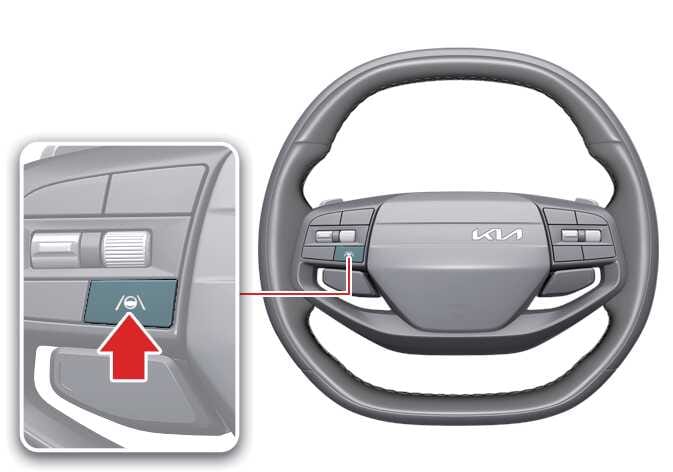 OAYI106012L |
Except Middle East
When the vehicle is restarted, Lane Keeping Assist always turns on automatically, and the gray indicator ( ) appears on the instrument cluster.
To turn off Lane Keeping Assist, press and hold the Lane Driving Assist ( ) button for more than 2 seconds.
For Middle East
You can turn Lane Keeping Assist on or off by pressing and holding the Lane Driving Assist button () for more than 2 seconds whilst the vehicle is ON. When Lane Keeping Assist is turned on, the indicator () on the cluster illuminates in gray or green.
TIP
-
If Lane Keeping Assist is not met, the gray indicator (
) appears on the instrument cluster. -
If Lane Keeping Assist is met, the green indicator (
) appears on the instrument cluster.