

Setting vehicle distance
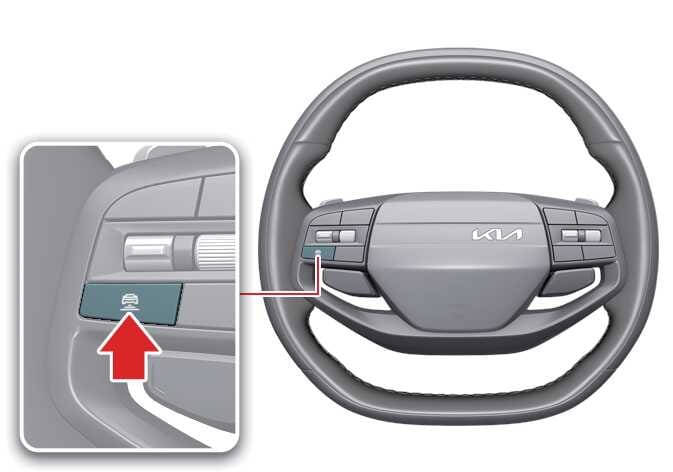 OAYI106028L |
To adjust the distance to the vehicle ahead, press the button. The distance will change as follows:
-
The closest vehicle distance is set to 1.
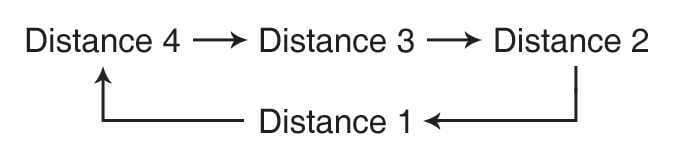 ODEEV078136NR |
For example, if you drive at 90 km/h (56 mph), the distance is maintained as follows:
-
Distance 4: approximately 52.5 m (172 ft)
-
Distance 3: approximately 40 m (130 ft)
-
Distance 2: approximately 32.5 m (106 ft)
-
Distance 1: approximately 25 m (82 ft)
TIP
The distance is set to the last distance you set before you restarted the vehicle or temporarily cancelled Smart Cruise Control.