

Rear View Monitor operation
Operation button: (if equipped)
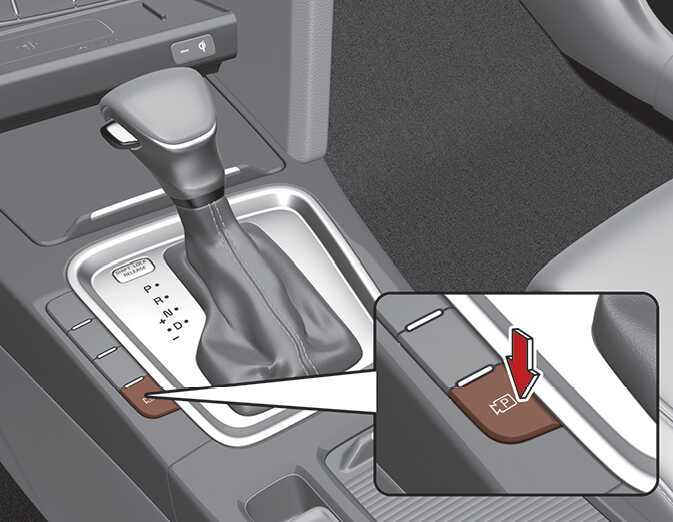
Shortly press the Parking/View button to turn on Rear View Monitor.
Rear view
-
Operating conditions
-
Shift the gear to R (Reverse), the image will appear on the screen.
-
Shortly press the Parking/View button while the gear is in P (Park), the image will be appear on the screen.
-
-
Off conditions
-
The rear view cannot be turned off when the gear is in R (Reverse).
-
Shortly press the Parking/View button again while the gear is in P (Park) with the rear view will turn off.
-
Shift the gear from R (Reverse) to P (Park), the rear view will turn off.
-
Extended Rear View Monitor
The rear view will maintain showing on the screen to help you when parking.
-
Operating conditions
Shift the gear from R (Reverse) to N (Neutral) or D (Drive), the rear view will appear on the screen.
-
Off conditions
-
When vehicle speed is above 10 km/h (6 mph), the rear view will turn off.
-
Shift the gear to P (Park), the rear view will turn off.
-
Press the Parking/View button, the rear view will turn off.
-
Rear View while driving
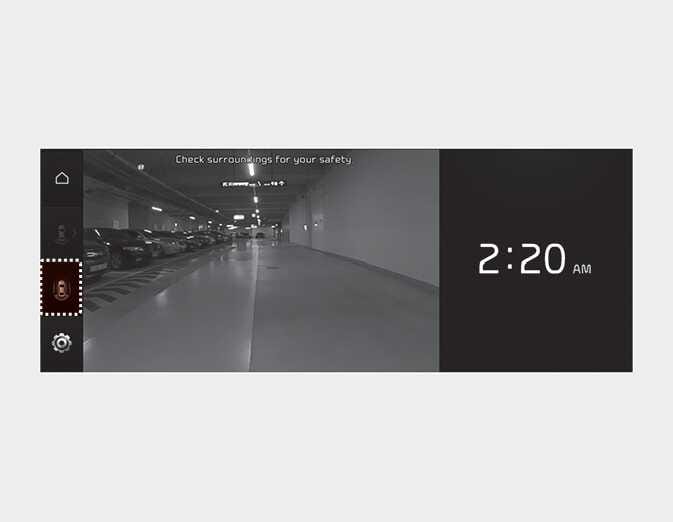
-
Operating conditions
-
The ENGINE START/STOP button is ON.
-
The Parking/View button is pressed when gearshift status is D (Drive), N (Neutral).
-
-
Off conditions
-
Parking/View button is pressed again.
-
One of the infotainment system button is pressed.
-
If the gear is shifted to p (park), the function is turned off.
-
-
When operating
If the gear is shifted to R (Reverse), while Driving Rear View is displayed on the screen, the screen will change to rear view.
Rear top view
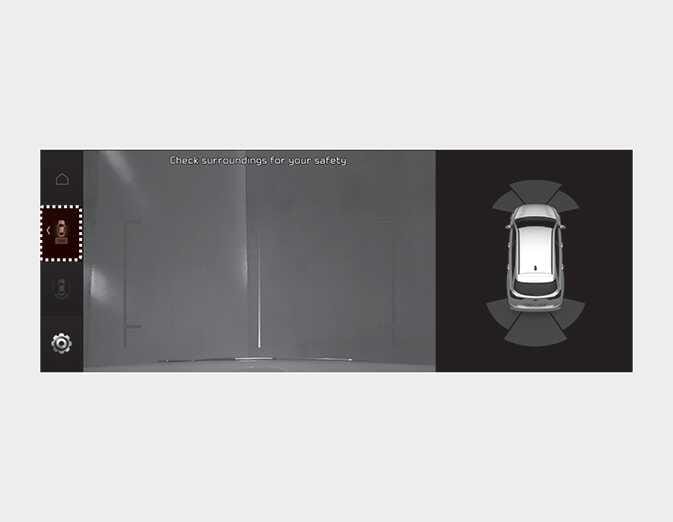
When you touch the (
 ) icon, the top view is displayed on the screen and shows the distance from the vehicle in the back of your vehicle while parking.