

3. Check surroundings
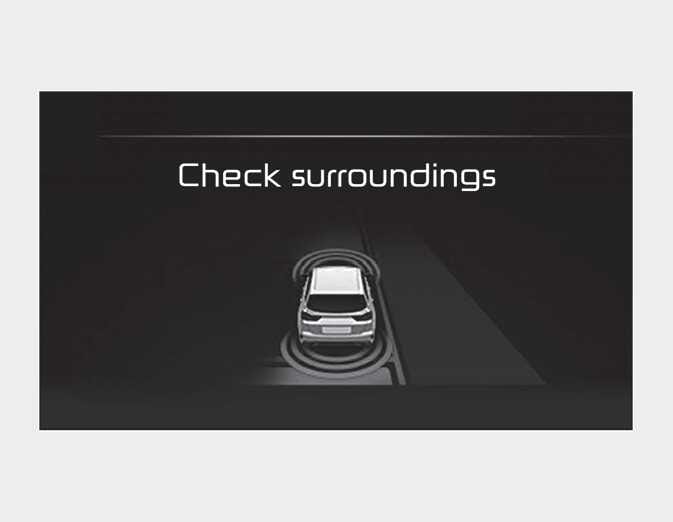
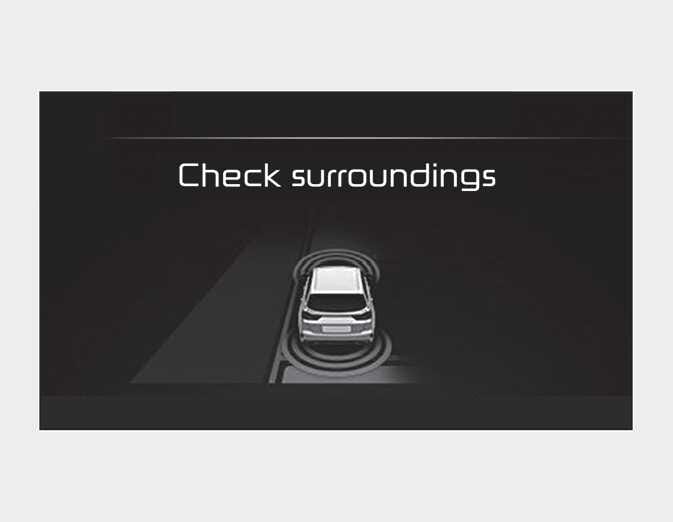
Parking Assist checks the front and rear space to exit the vehicle from the parking space.
-
When checking surroundings, if the front or rear vehicle (or object) is too near, the function may not work properly.
-
The function may not operate normally in the following conditions:
-
When the sensors are frozen.
-
When the sensors are dirty.
-
When it snows or rains heavily.
-
When a pillar or object is near.
-
-
When exiting the parking space if an obstacle is detected that may cause an accident, the function may cancel.
-
If the space is too small to exit the function may cancel.
-
If searching surroundings is completed, continue using the function after checking the surrounding area.
-
The Exit mode may be activated unintentionally, when the shift lever is in P (Park) or N (Neutral) if the Parking Assist button is pressed.