

Heating and air conditioning
-
Start the engine.
-
Set the mode to the desired position.
For improving the effectiveness of heating and cooling;
-
Heating:
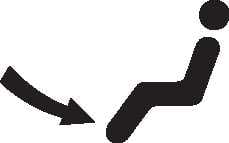
Cooling:
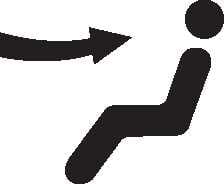
-
-
Set the temperature control to the desired position.
-
Set the air intake control to the outside (fresh) air position.
-
Set the fan speed control to the desired speed.
-
If air conditioning is desired, turn the air conditioning (if equipped) system on.
Mode selection
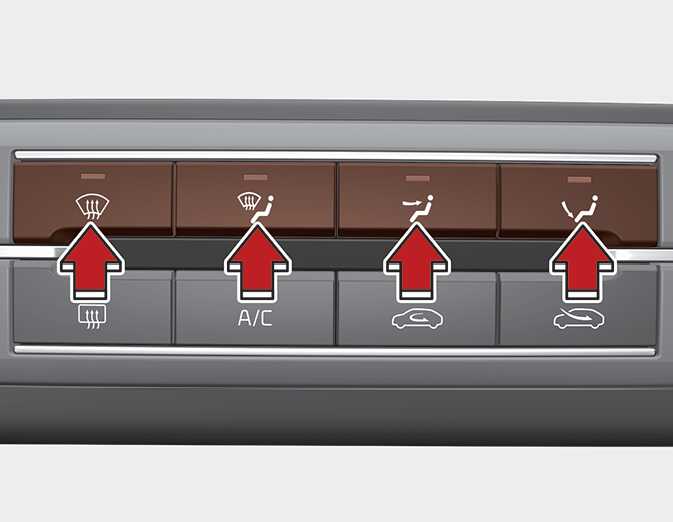
The mode selection button controls the direction of the air flow through the ventilation system.
Air can be directed to the floor, dashboard outlets, or windshield. Five symbols are used to represent Face, Bi-Level, Floor, Floor-Defrost and Defrost air position.
Also you may select 2~3 modes at the same time.
-
face (
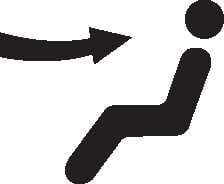 ) + floor (
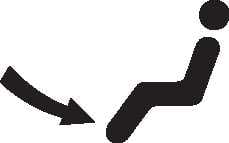 ) mode
-
face (
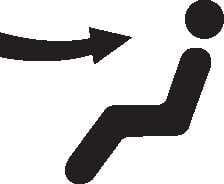 ) + defrost (
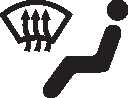 ) mode
-
floor (
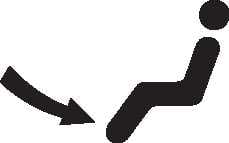 ) + defrost (
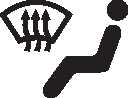 ) mode
-
face (
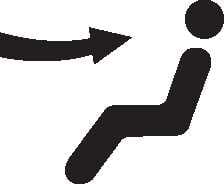 ) + floor (
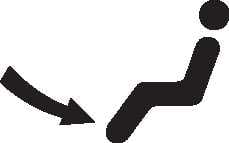 ) + defrost (
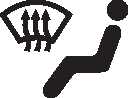 ) mode
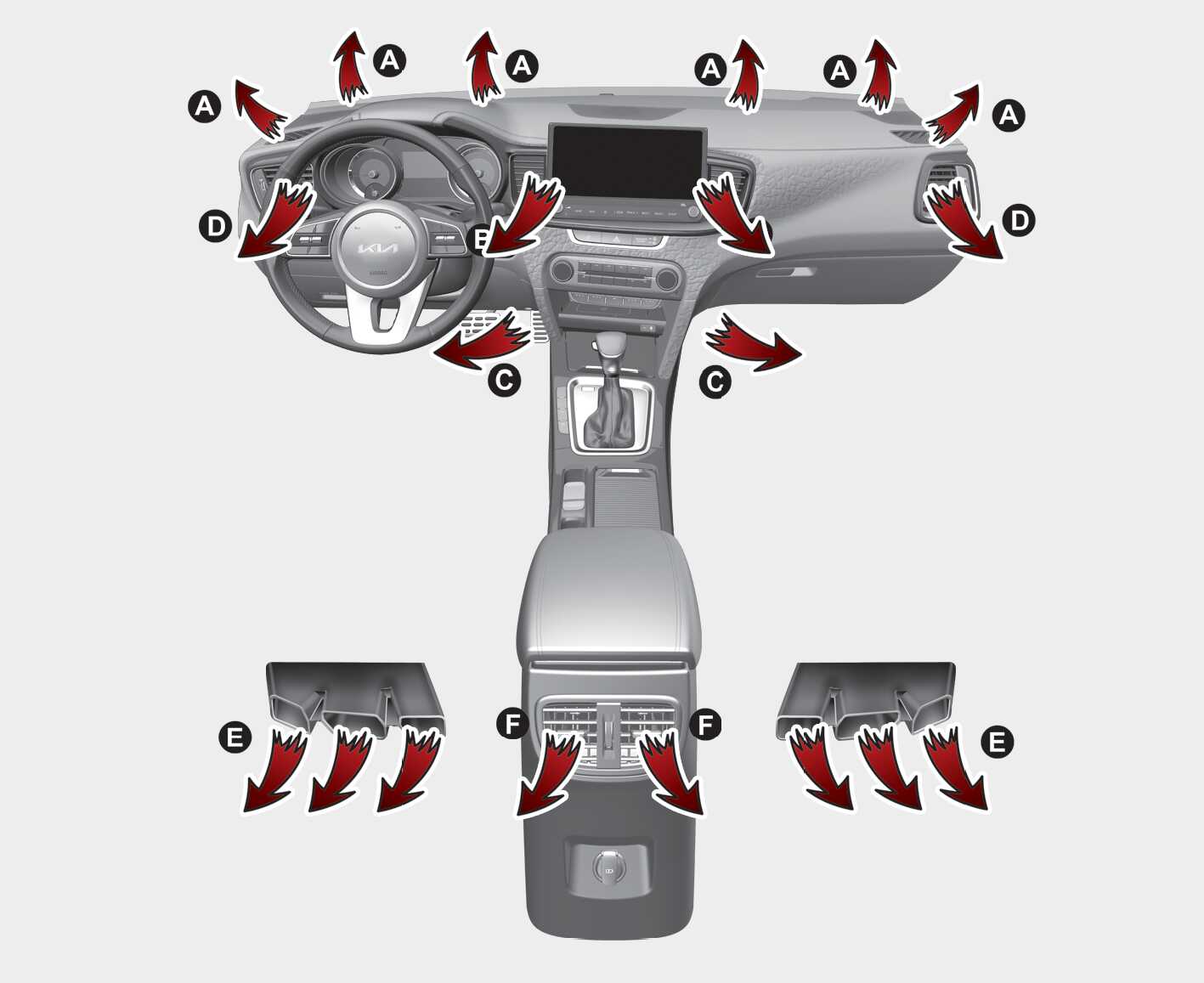
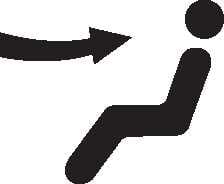 Face-Level (B, D, F)
Air flow is directed toward the upper body and face. Additionally, each outlet can be controlled to direct the air discharged from the outlet.
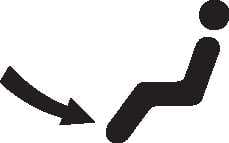 Floor-Level (C, D, E, F)
Most of the air flow is directed to the floor, with a small amount of the air being directed to the windshield and side window defrosters.
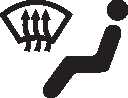 Defrost-Level (A, C, D, E, F)
Most of the air flow is directed to the floor and the windshield with a small amount directed to the side window defrosters.
 Max Defrost-Level (A, D)
Most of the air flow is directed to the windshield with a small amount of air directed to the side window defrosters.
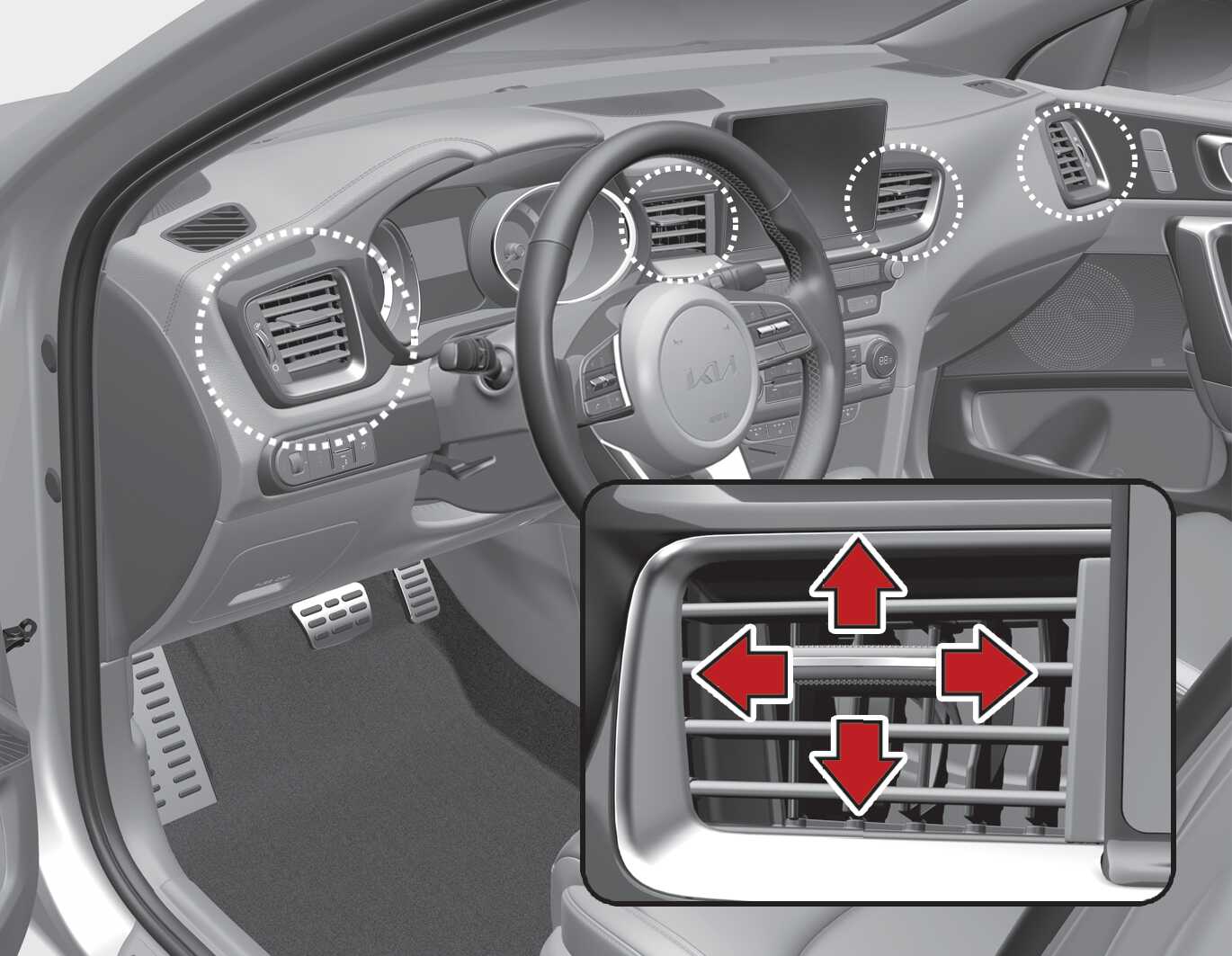
The outlet vents can be opened or closed separately using the thumbwheel. To close the vent, rotate it downward to the maximum position.
Also, you can adjust the direction of air delivery from these vents using the vent control lever as shown.