

Getting to know the basic operations
You can select an item or adjust the settings by using the number buttons and the [ TUNE] knob on the control panel.
Selecting an item
Numbered items
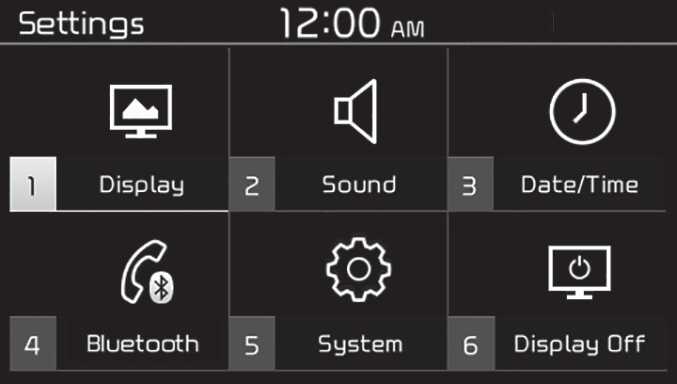
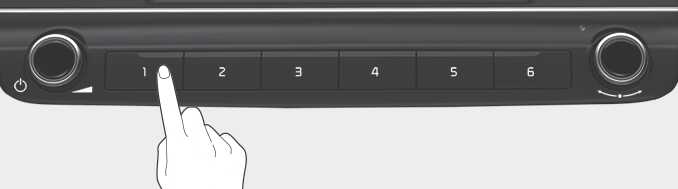
Press the corresponding number button.
J7G4M001EE
J7G4M002EE
Numberless items
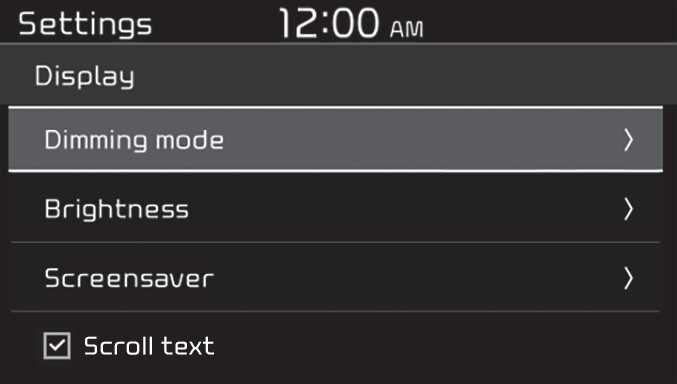
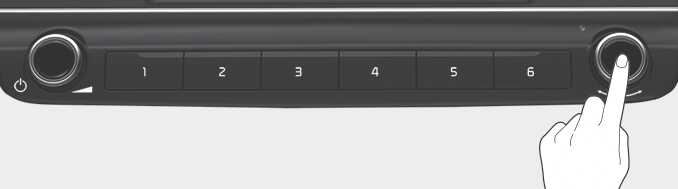
Turn the [ TUNE] knob to select the desired item, and then press the knob.
J7G4M003EE
J7G4M004EE
Adjusting the settings
Turn the [ TUNE] knob to adjust the value, and then press the knob to save changes.
Turn the [ TUNE] knob to the right to increase the value and turn the [ TUNE] knob to the left to decrease the value.
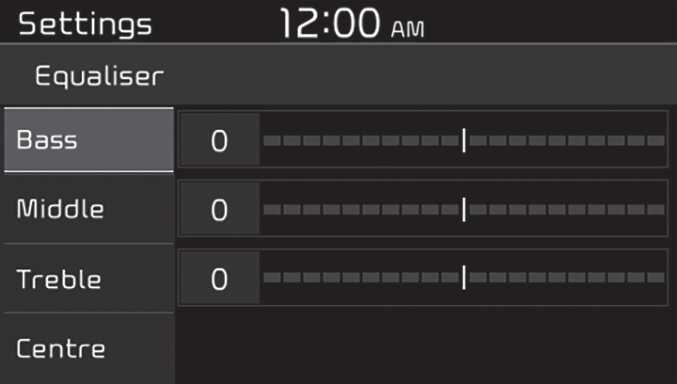
J7G4M005EE

J7G4M006EE