

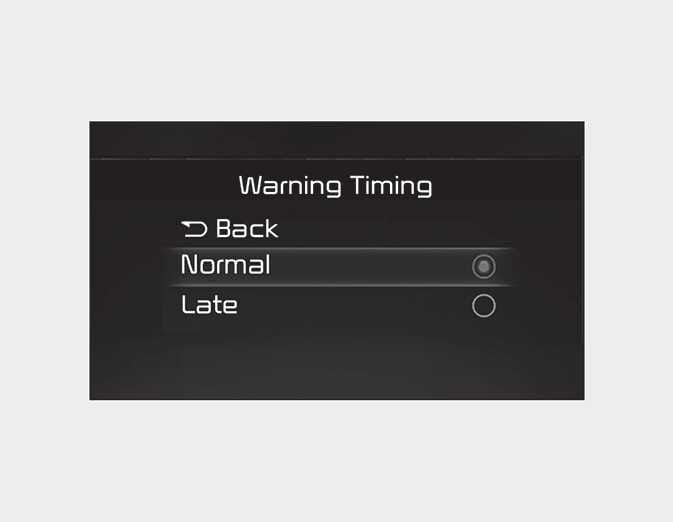
Warning Timing
OCD041503L
With the ignition switch or ENGINE START/STOP button in the On position, select “User Settings → Driver Assistance → Warning Timing” at the LCD display or infotainment system to change the initial warning activation time for Forward Collision-Avoidance Assist.
-
Normal: Use Normal in normal driving conditions. If the Warning Timing seems sensitive, change it to Late.
-
Late: If Late is selected, Forward Collision-Avoidance Assist, warns the driver more slowly.