

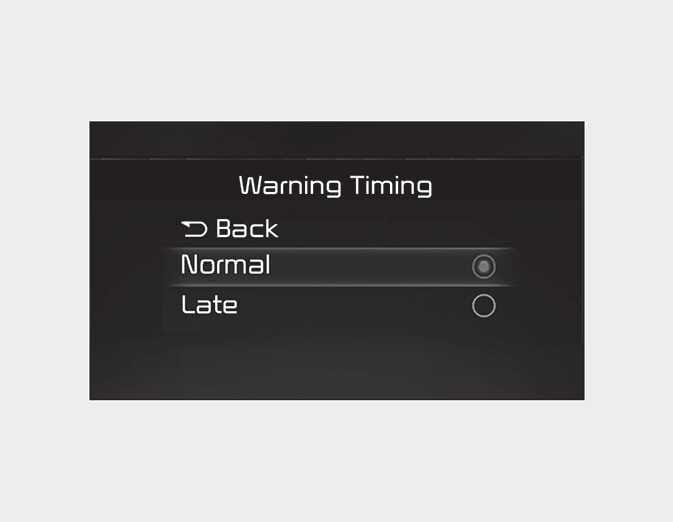
Warning Timing
OCD041503L3
With the ignition switch or ENGINE START/STOP button in the On position, select “User Settings → Driver Assistance → Warning Timing” at the LCD display or infotainment system to change the initial warning activation time for Driver Attention Warning.
NOTE
-
If you change the Warning Timing, the Warning Timing of other Driver Assistance system may change. Make sure to check the warning timing before changing it.
-
If the engine is restarted, Warning Timing will maintain the last setting.