

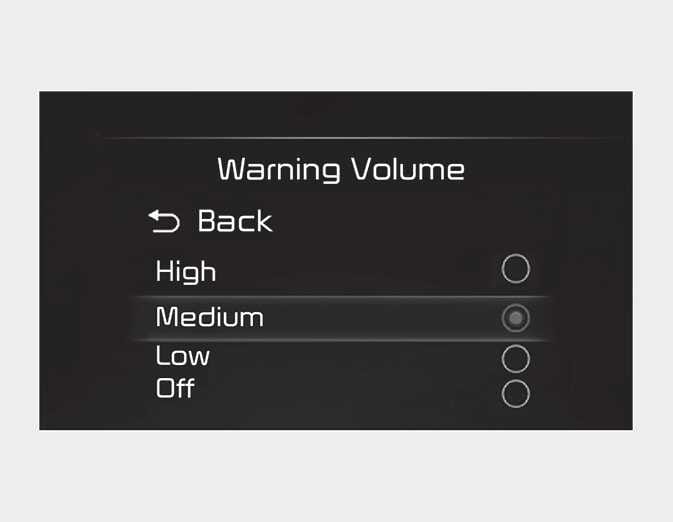
Warning Volume
OCD051197L7
With the ignition switch or ENGINE START/STOP button in the On position, select 'Settings → Driver Assistance → Warning Volume' on the instrument cluster or 'Settings → Vehicle → Driver Assistance → Warning Volume' on the infotainment system to change the Warning Volume to ‘High’, ‘Medium, ‘Low’ or 'Off' (if steering wheel vibration equipped) for Smart Cruise Control.
NOTE
-
If the engine is restarted, Warning Volume will maintain the last setting.
-
Even if ‘Off’ is selected, the Warning Volume of Smart Cruise Control will not turn off.
-
If you change the Warning Volume, the Warning Volume of other Driver Assistance system may change.