

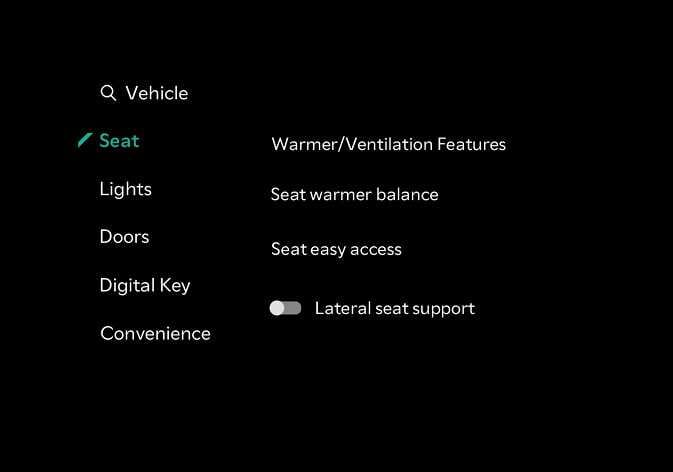
Seat assistance settings (infotainment system)
 N_TK25Z036_E |
Select from the Settings menu in the infotainment system screen, you may use various convenience functions.
-
Link to climate settings for auto-adjustment : The steering wheel heater and heated/ventilated driver's seat can be automatically.
-
Seat Easy Access : The seat and steering wheel are automatically moved when the driver enters of exits the vehicle.
-
Seat position change alert : When the seat position changes, details of the change are shown with a seat image.
-
Seat position change notification : If you operate the seat control switch, the changed seat position information is displayed with the seat image.
-
The information displayed on the infotainment system may not have some menu or may appear different from this user manual depending on the specifications of your vehicle.
For more details, access the manual using the QR code in the infotainment system quick reference guide.
-
The infotainment system may change after software updates. For more information, refer to the manual provided in the infotainment system and the quick reference guide.
