

Preparing software update
 N_CT25Z003_E |
|
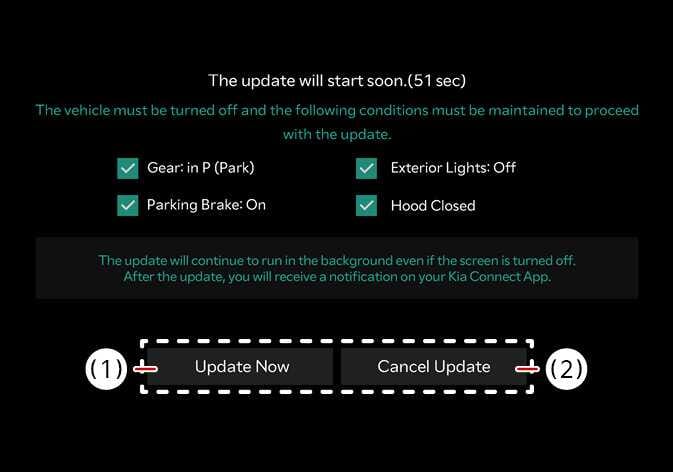
If you press the Start button on the screen, the vehicle will begin installing the update automatically. The following conditions must be satisfied:
-
The vehicle must be off.
-
The gear must be in P (Park).
-
The Electronic Parking Brake (EPB) must be applied.
-
The exterior lights must be turned off.
-
The hood must be closed.
-
The battery must be sufficient.
-
The systems to be updated must not be running.
-
To update immediately, press Update Now .
-
To cancel the update, press Cancel Update .
TIP
The battery and system status are automatically checked by the vehicle.
