

Starting the vehicle with smart key
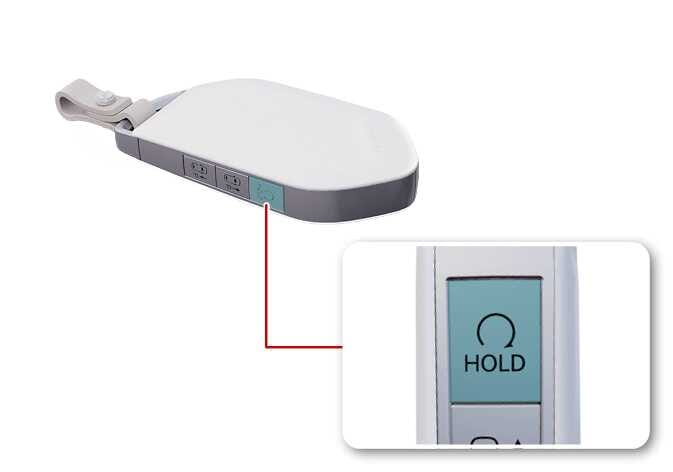 N_TK25D006 |
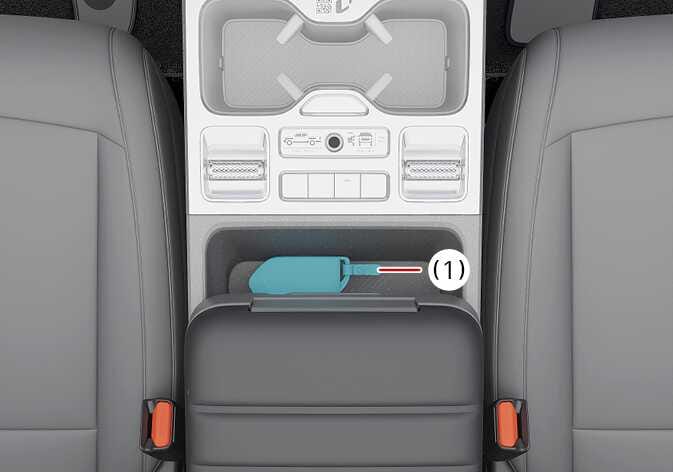 N_TK25D023 |
Operation
-
Press the remote start button on the smart key.
-
For Type A, if the battery is weak or the smart key does not work correctly, start the vehicle by pressing the ENGINE START/STOP button with the smart key.
-
For Type B, place the smart key on the center console where the key logo is located (1). Press the ENGINE START/STOP button for approximately 10 seconds while the vehicle is in ACC position.
For Type A, when you press the ENGINE START/STOP button directly with the smart key, the smart key should contact the button at a right angle.
Operating condition(s)
The vehicle will check for the smart key when:
-
The vehicle doors are opened
-
The ENGINE START/STOP button is pressed
If the smart key is not in the vehicle, the indicator (  ) and the message will appear on the instrument cluster.
