

Ground View Monitor (GVM) operation
 N_TK25Z050_E |
 N_TK25Z051_E |
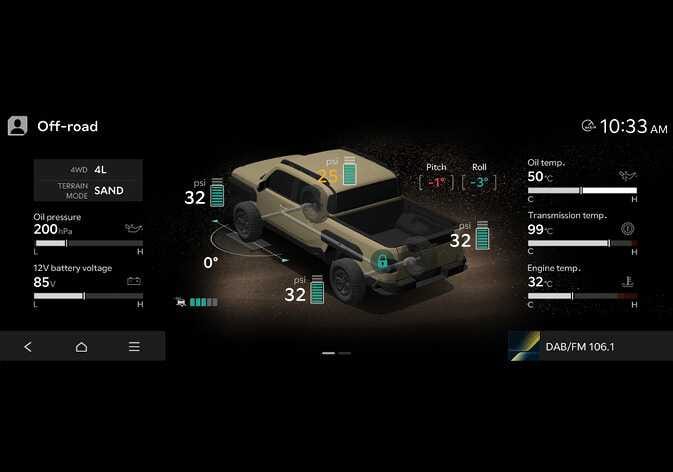
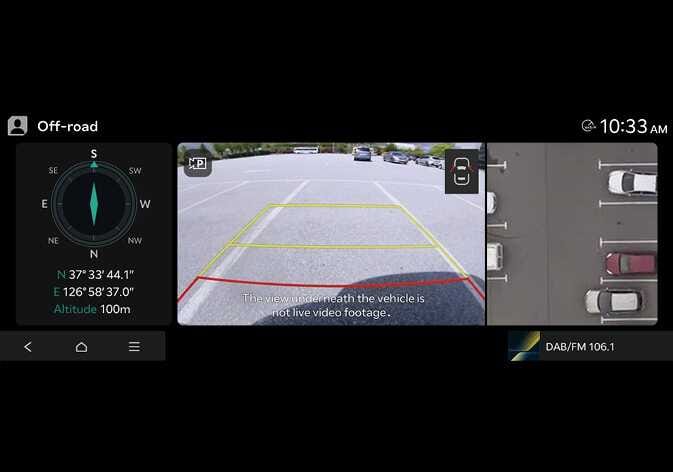
Swipe left in the OFF-ROAD menu on the infotainment system screen to access the Ground View Monitor.
In the OFF-ROAD menu, the Ground View Monitor will be turned off under the following conditions:
-
Shifting to R (Reverse)
-
Pressing the Parking/View button in the top left corner of the Ground View infotainment system screen
-
Pressing the back button in the OFF-ROAD menu or the Home button on the infotainment system screen
-
Pressing the Parking/View button or the infotainment system power button
-
When the vehicle speed exceeds 50 km/h (35 mph), the Ground View Monitor turns off and reactivates when the speed drops to 45 km/h (30 mph) or below.
-
The ground view image resets 10 seconds after the vehicle stops.
-
When the Ground View Monitor is active, the Surround View Monitor does not turn on automatically, even if the Parking Distance Warning is activated.
-
The ground view image resets when shifting to N (Neutral).
