

Warning methods
 N_TK25Z063_E |
|
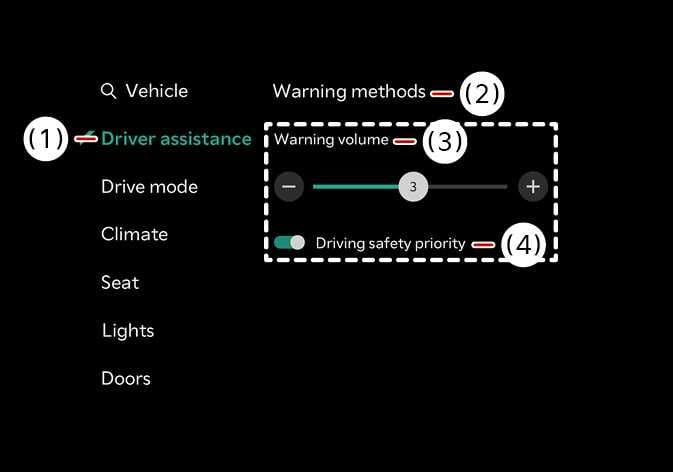
The Warning methods can be set with the vehicle on. Select from the settings menu in the infotainment system to change the following settings:
-
Warning volume : Adjust the warning volume.
-
Driving safety priority : Lowers all other audio volumes when the Driving Safety system sounds a warning.
NOTE
-
Ensure that Warning methods you have set may apply to the Warning methods of other driver assistance systems.
-
Warning methods will maintain its last setting even if the vehicle is restarted.
-
The setting menu may not be available for your vehicle depending on the vehicle features and specifications.
