

Warning methods
 N_TK25Z079_E |
|
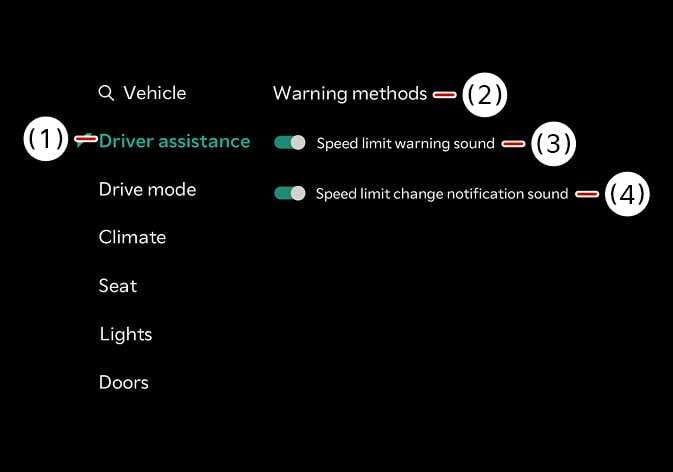
The Warning Methods can be set with the vehicle on. Select from the settings menu in the infotainment system to change the following settings:
-
Warning volume : Adjusts the volume of the warning sound.
-
Speed Limit Warning Sound: Turn on or off the Speeding warning sound.
-
Speed Limit Change Notification Sound : Turn on or off the Set speed limit change alarm.
When you turn off and restart the vehicle, the Speed Limit Warning will automatically turn on.
Press and hold the mute button on the steering wheel to turn the Speeding warning sound on and off.
-
Ensure that Warning methods you have set may apply to the Warning methods of other driver assistance systems.
-
The setting menu may not be available for your vehicle depending on the vehicle features and specifications.
