

Smart Cruise Control display and control
You can see the status of the Smart Cruise Control operation in the Driving Assist view on the cluster. Refer to LCD display modes .
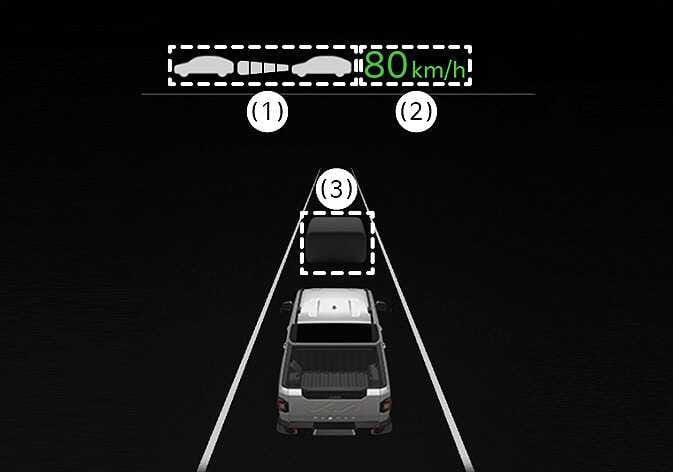 N_TK25Z084 |
Smart Cruise Control will be displayed as below depending on the status of the function.
|
-
The distance of the front vehicle on the cluster is displayed according to the actual distance between your vehicle and the vehicle ahead.
-
The target distance may vary according to the vehicle speed and the set distance level. If vehicle speed is low, even though the vehicle distance have changed, the change of the target vehicle distance may be small.
-
Objects displayed on the instrument cluster may differ from actual surroundings.
-
The images or colors displayed on the cluster may vary depending on the cluster specifications or themes.
-
The following warning message will appear on the LCD display.
For more details, refer to the display and control section of the function.
-
Driving Style Adaptive SCC
-
SCC (Smart Cruise Control) canceled
-
SCC (Smart Cruise Ctrl.) conditions not met
-
Use switch or pedal to accelerate
-
Watch for surrounding vehicles
-
Collision warning
-
