

Warning methods
 N_TK25Z066_E |
|
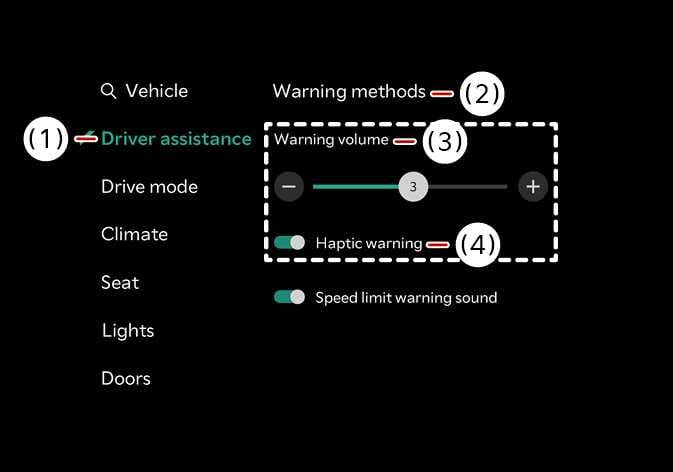
The Warning Methods can be set with the vehicle on. Select from the settings menu in the infotainment system to change the following settings:
-
Warning volume : Adjusts the volume of the warning sound.
If a Kia genuine part or function capable of detecting trailer connection is applied, the system may recognize the trailer as connected and some driver assistance functions may be limited. Please refer to the detailed information in Driver assistance system limitations, and always drive with caution.
-
Ensure that Warning methods you have set may apply to the Warning methods of other driver assistance systems.
-
Warning methods will maintain its last setting even if the vehicle is restarted.
-
The setting menu may not be available for your vehicle depending on the vehicle features and specifications.
