

Using the infotainment/climate switchable controller

Press the button on the switchable controller to switch between infotainment system or climate control panel.
Press and hold the button to select the default mode for the control panel.
Switching between panels
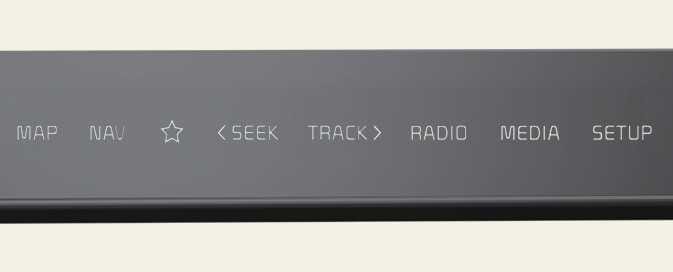
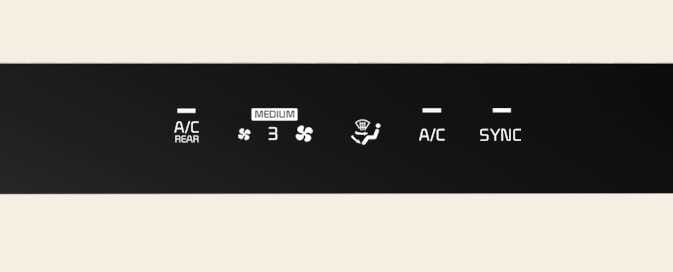
Press the button on the switchable controller to select the desired control panel.
The selected control panel icon will be illuminated and the control panel will be changed.
-
The knob display will be illuminated according to the selected control panel mode.
-
When the vehicle is in the ACC position, only the infotainment system will be activated.
Setting the default mode
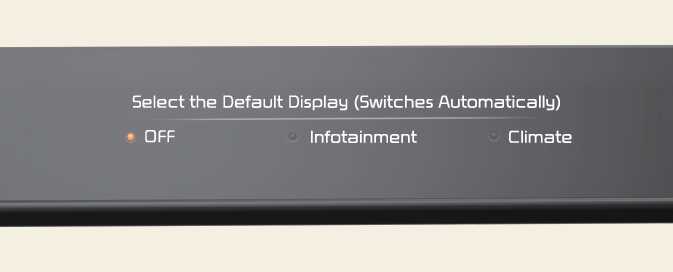
Press and hold the button to select the default mode for the control panel.
-
After the setting, the control panel will return to the default mode after a certain period of time even if the control panel is switched to the different mode.
-
If the mode is set to 'OFF', the control panel will display the mode used recently.