
Lane Keeping Assist activation
 ).
).
For further details, refer to More Details.
After Lane Keeping Assist is activated, if both lane markers are detected, vehicle speed is over 64 km/h (40 mph) and all the activation conditions are satisfied, a green steering wheel indicator will illuminate and the steering wheel will be controlled.

Lane Keeping Assist is a function designed to help prevent the driver from leaving the lane. However, the driver should not solely rely on the function but always check the road conditions when driving.
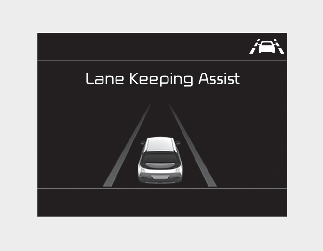
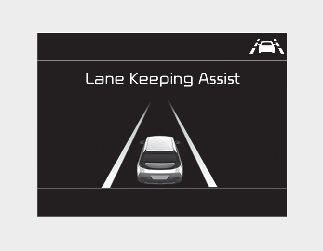
If the speed of the vehicle is over 64 km/h (40 mph) and the function detects lane markers, the color changes from gray to white.
When the conditions below are met, Lane Keeping Assist will be enabled to assist steering.
-
Vehicle speed is above 64 km/h (40 mph).
-
The vehicle is between the lane markers.
If Lane Keeping Assist can assist steering, a green steering wheel indicator will illuminate.