
Converting to Cruise Control mode
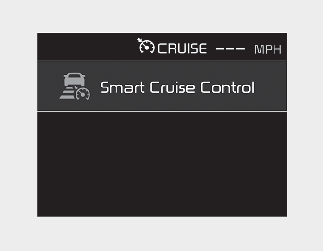
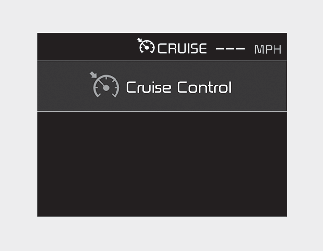
The driver may choose to only use the Cruise Control mode (speed control function) by doing as follows:
1
Turn Smart Cruise Control on (the cruise indicator light will be on but the function will not be activated).
2
Push the distance to distance switch for more than 2 seconds.
3
Choose between "Smart Cruise Control" and "Cruise Control".
When the function is canceled using the CRUISE button or the CRUISE button is used after vehicle is turned on, the Smart Cruise Control mode will turn on.

WARNING
When using the Cruise Control mode, you must manually assess the distance to other vehicles as the function will not automatically brake to slow down for other vehicles.