

Mode selection
 N_CT25C039_E |
 OAYI086022R |
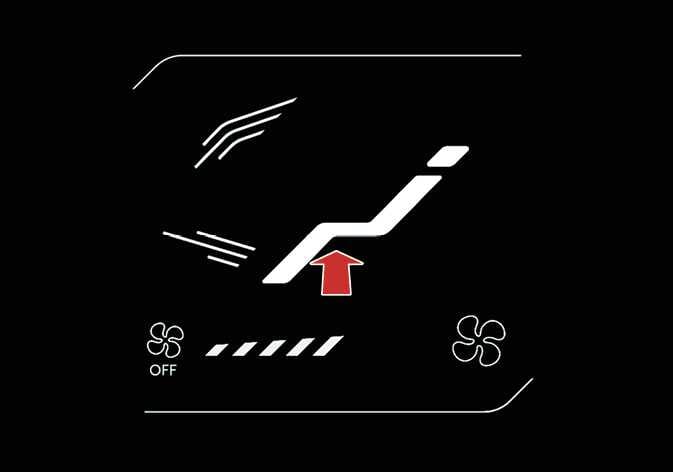
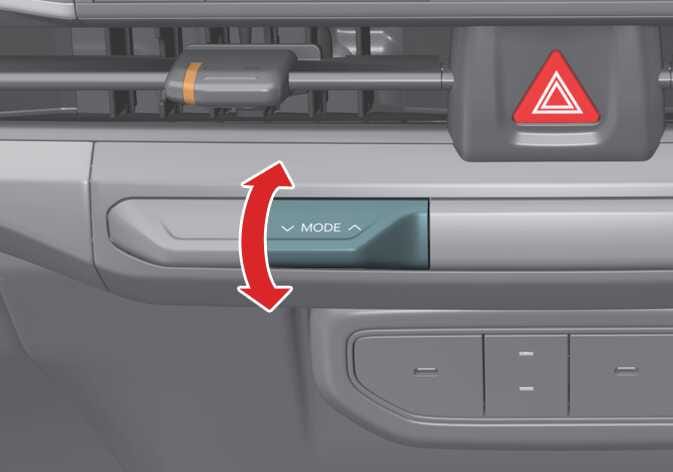
The mode selection lever/icon controls the direction of airflow through the ventilation system.
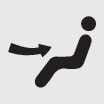 Face-Level (2, 4, 6)
Air flow is directed toward the upper body and face. You can control the direction of the airflow from each vent.
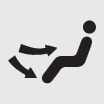 Bi-Level (2, 3, 4, 5, 6)
Air flow is directed toward the upper body and face and the floor.
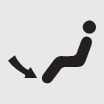 Floor-Level (1, 3, 4, 5)
Most of the airflow is directed to the floor, and a small amount is directed to the windscreen, side window defrosters, and side air vents.
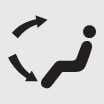 Floor/Defrost-Level (1, 3, 4, 5)
Most of the airflow is directed to the floor and windscreen, and a small amount is directed to the side window defrosters and side air vents.
 Defrost-Level (1, 4)
Most of the air flow is directed to the windscreen, and a small amount is directed to the side window defrosters and side air vents.
Instrument panel vents
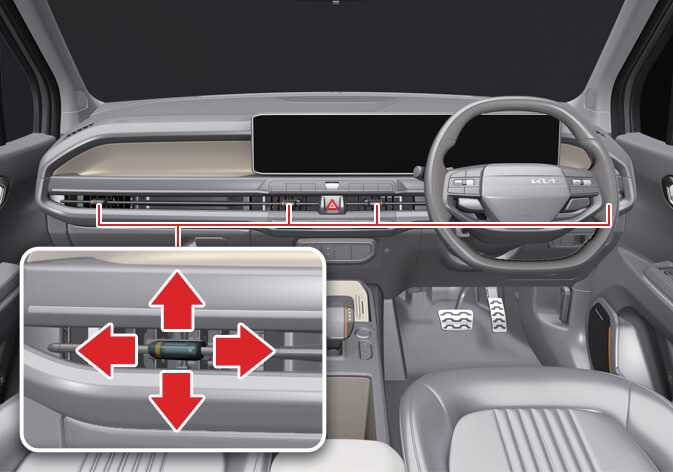 OAYI086008R |
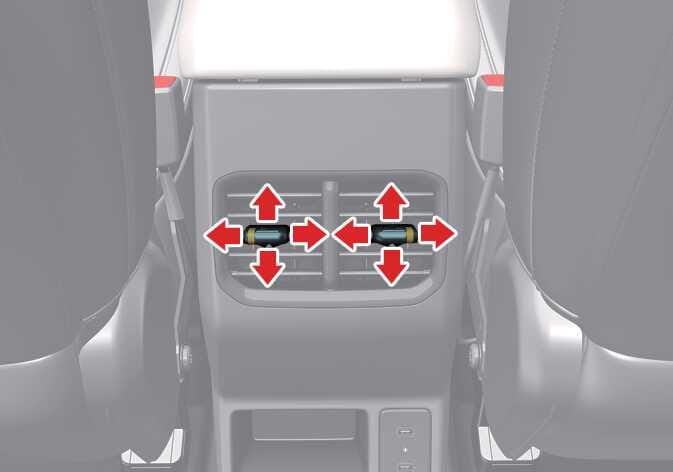 OAYI086010L |
You can adjust the direction of a vent’s airflow using the vent control lever as shown.
The vent’s airflow stops when you move the air vent control lever to the closed position ( ).
).
Air flows through the vent when you move the air vent control lever to the open position ( ).
).