

Warning Methods
 N_CT25_C00_023_A |
|
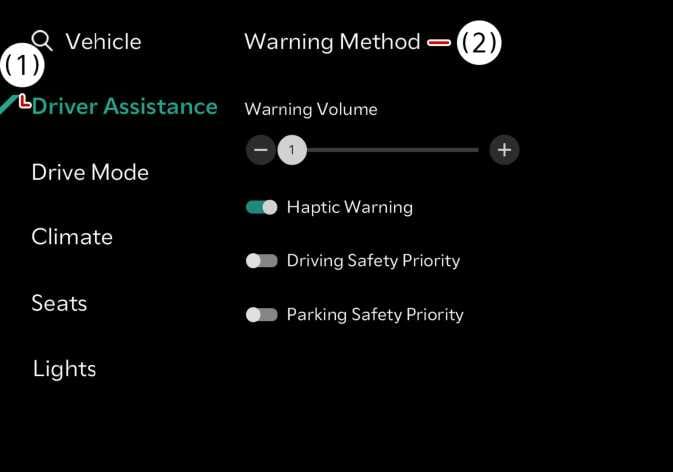
The Warning methods can be set with the vehicle on. Select Settings > Vehicle > Driver assistance > Warning methods(  ) from the settings menu in the infotainment system to change the following settings:
-
Warning volume: Adjusts the volume of the warning sound.
-
Driving safety priority: Lowers all other audio volumes when the Driving Safety system sounds a warning.
-
Towing a trailer or mounting a carrier may reduce control stability. If necessary, disable the function and always drive with caution.
-
Do not use the system when towing another vehicle or when other equipment that affects sensor operation or vehicle balance is installed, as it may not operate properly.
-
If the trailer connection is automatically recognized through genuine parts, the functions of the driver assistance system may be limited. Please refer to Driver assistance system limitations when connecting a trailer and always drive with caution.
-
Check if Warning methods you have set are also applied to the Warning methods of other driver assistance systems.
-
Warning methods will maintain its last setting even if the vehicle is restarted.
-
The setting menu may not be available for your vehicle depending on the vehicle features and specifications.