

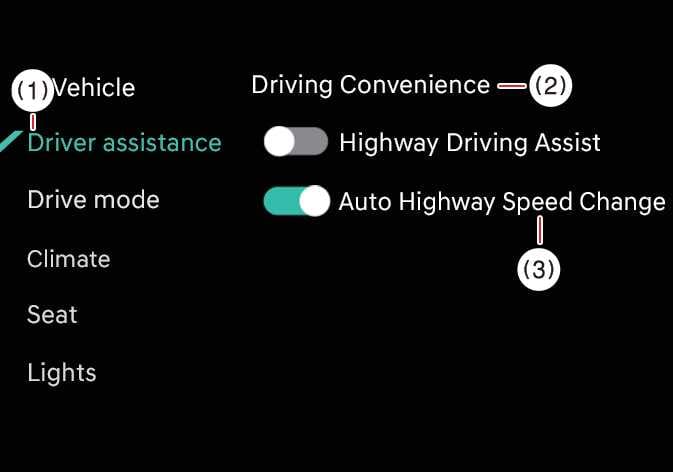
Auto Highway Speed Change
 OCL4M055127N |
|
While the vehicle is ON, tap on the infotainment system screen.
TIP
If there is a problem with Navigation-based Smart Cruise Control, you cannot turn the function ON in the settings menu.
WARNING
-
When towing a trailer or installing a carrier, vehicle stability may be reduced. Disable the function if necessary and always drive safely with caution.
-
Do not use the system when towing another vehicle or when installing equipment that may affect sensor performance or vehicle balance. The system may not operate properly.