

Vehicle settings (infotainment system)
 N_TK25Z044_E |
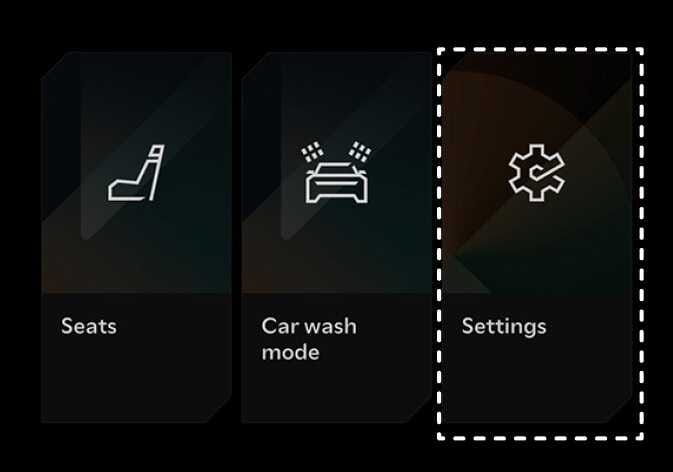
Vehicle Settings in the infotainment system provides user options for a variety of settings including door lock/unlock features, convenience features, driver assistance settings, etc.
Simple operation
-
Select the on the infotainment system to change the settings.
Operation
-
Select the on the infotainment system.
-
Press the Setup button on the infotainment control panel.
