
Rear View Monitor Settings
Camera settings
-
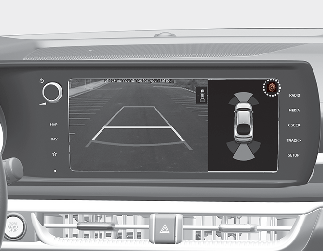
You can change Rear View Monitor settings by pressing the setup icon「
 」on the screen while the system is operating, or select 'Driver Assistance → Parking Safety → Camera Settings' from the Settings
menu while the ENGINE START/STOP button is in the ON position.
」on the screen while the system is operating, or select 'Driver Assistance → Parking Safety → Camera Settings' from the Settings
menu while the ENGINE START/STOP button is in the ON position.
Parking/View button
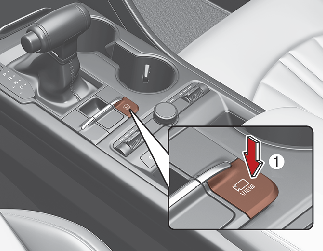
Press the Parking/View button (1) to turn Rear View Monitor on or off.