
Rear View Monitor - Top view
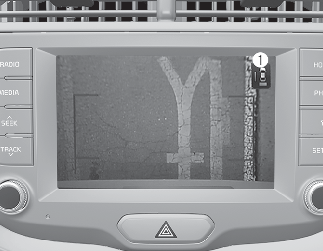
When you touch the icon (1), the top view is displayed on the screen and shows the distance from the vehicle in the back of your vehicle. Touch the icon (1) again, to switch back to the previous screen.

Backing & using camera
Never rely solely on Rear View Monitor. You must always use methods of viewing the area behind you including looking over both shoulders as well as continuously checking all three rear view mirrors. Due to the difficulty of ensuring that the area behind you remains clear, always back up slowly and stop immediately if you suspect that a person, and especially a child, might be behind you.