
Decreasing Smart Cruise Control set speed
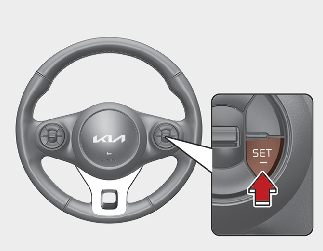
Follow either of these procedures:
-
Press the SET- button, and hold it. Your vehicle set speed will decrease by 10 km/h (5 mph). Release the button at the speed you want.
-
Press the SET- button, and release it immediately. The cruising speed will decrease by 1.0 km/h (1.0 mph) each time you Press the SET- button in this manner.
You can set Smart Cruise Control speed above 30 km/h (20 mph).