
Leading Vehicle Departure Alert
Setting the Leading Vehicle Departure Alert warns
 ) several times on the steering wheel until 'User Settings' menu appears on the LCD.
 /
/  ) and the OK button on the steering wheel.
With the vehicle ON, Leading Vehicle Departure Alert turns on and gets ready to be activated.
The function stops operation when the setting is deactivated. However, if the vehicle is turned off then on again, the function maintains the previous state.
Operating conditions
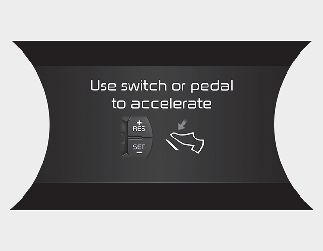
While Smart Cruise Control is in operation, your vehicle stops behind the vehicle in front when it stops. The message is displayed on the cluster within 3 seconds after the stop and the function will be in the standby position.
Leading Vehicle Departure Alert activation
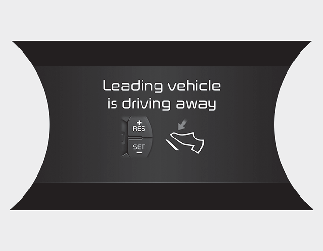
If the driver does not take action for a certain period of time after the vehicle in front departs, the message is displayed on the cluster.
The vehicle departs automatically if the accelerator pedal is depressed or [RES +] or [SET -] button is activated when there is a vehicle in front.
Smart Cruise Control is deactivated if the accelerator pedal is depressed or [RES +] or [SET -] button is activated when there is no vehicle in front.

Always check the front of the vehicle and road conditions before departure.