
Setting Smart Cruise Control speed
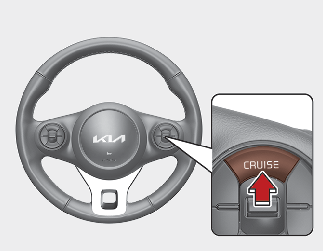
Smart Cruise Control can be set when your vehicle speed is as follows:
-
5 mph (10 km/h)~100 mph (160 km/h): when there is no vehicle in front
-
0 mph (0 km/h)~100 mph (160 km/h): when there is a vehicle in front
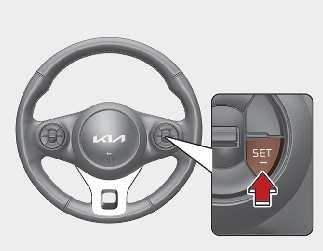

If there is a vehicle in front of you, the speed may decrease to maintain the distance to the vehicle ahead. On a steep grade, the vehicle may slow down or speed up slightly while going uphill or downhill.
Vehicle speed may decrease on an upward slope and increase on a downward slope.
The speed will be set to 20 mph (30 km/h) when there is a vehicle ahead and your vehicle speed is 0 mph (0 km/h)~20 mph (30 km/h).