
Reverse Parking Distance Warning settings
Warning Methods
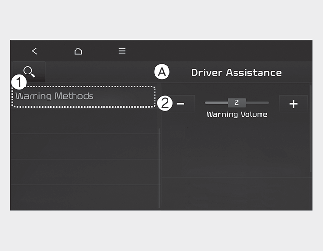
A: Driver Assistance
-
Warning Methods
-
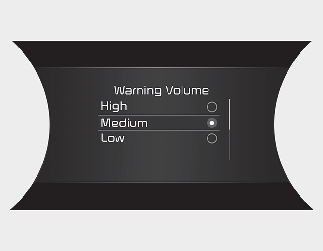
Warning Volume
With the vehicle on, select Settings → Driver Assistance → Warning Volume on the instrument cluster or Settings → Vehicle → Driver Assistance → Warning Methods on the infotainment system to change the Warning Sound.
-
Warning Volume: You can adjust the Warning Volume from level 1 to 3.

CAUTION
-
Ensure that Warning Methods you have set may apply to the Warning Methods of other Driver Assistance systems.
-
Warning Methods will maintain its last setting even if the vehicle is restarted.
-
The setting menu may not be available for your vehicle depending on the vehicle features and specifications.