

Scheduled charging
You can set up a charging schedule for your vehicle using the infotainment system or the Kia Access app. Refer to the manual provided in the infotainment system and the quick reference guide for detailed information about setting scheduled charging.
Scheduled charging can only be done when using a AC charger or the portable charger (ICCB: In-Cable Control Box).
When you set scheduled charging and the AC charger or the portable charging cable (ICCB: In-Cable Control Box)* is connected for charging, the scheduled charge release button displays for 3 minutes to indicate that scheduled charging is set.
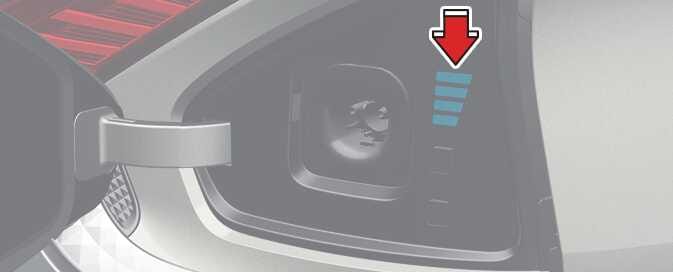 OCVQ014086N |
When you set scheduled charging, charging does not immediately initiate when you connect the AC charger or portable charger (ICCB: In-Cable Control Box).
When you need to charge your vehicle immediately, press and hold the charging button on the charging door for 2 seconds, or deactivate the scheduled charge setting using the infotainment system or the Kia Access app.
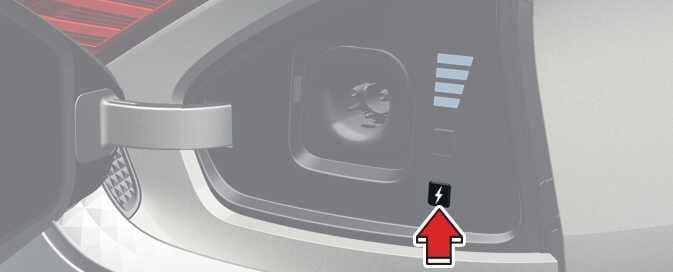 OCVQ014087N |
|
Refer to AC charge for details about connecting the AC charger.