

Forward Collision-Avoidance Assist disabled
 OOV055184L |
|
 OOV055185L |
|
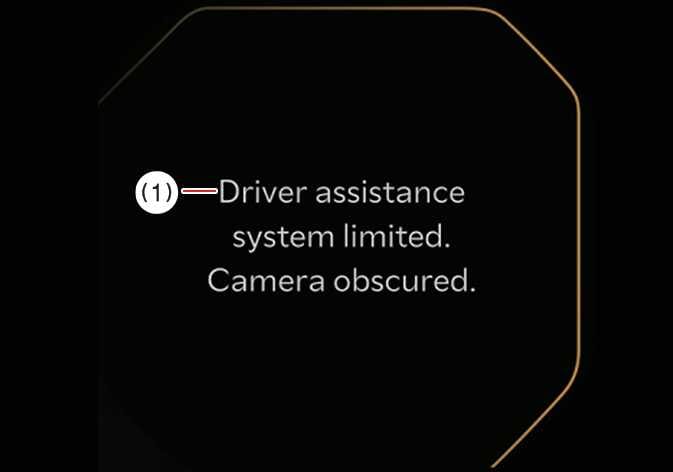
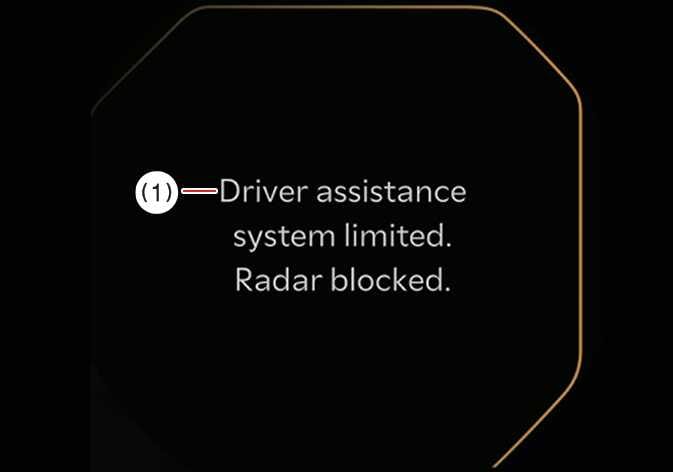
When the front windscreen where the front view camera is located, front radar cover, bumper or sensor is covered with foreign material, such as snow or rain, it can reduce the detecting performance and temporarily limit or disable Forward Collision-Avoidance Assist.
If this occurs the warning message, and the yellow (  ), (
), (  ) and (
  ) warning lights will appear on the cluster.
Forward Collision-Avoidance Assist will operate properly when snow, rain or foreign material is removed.
If Forward Collision-Avoidance Assist does not operate properly after obstruction (snow, rain, or foreign material) is removed (including trailer, carrier, etc. from the rear bumper), have your vehicle inspected by a professional workshop. Kia recommends visiting an authorised Kia dealer or service partner.
-
Even though the warning message or warning light does not appear on the cluster, Forward Collision-Avoidance Assist may not properly operate.
-
Forward Collision-Avoidance Assist may not properly operate in an area (e.g. open terrain), where there is nothing to detect, or detecting sensor is covered in foreign material after turning ON the vehicle.
-
Even after starting the vehicle again, Forward Collision-Avoidance Assist may not function properly when the obstruction or malfunction condition persists.
You can check it in the service message of the utility information view of the cluster display window.