

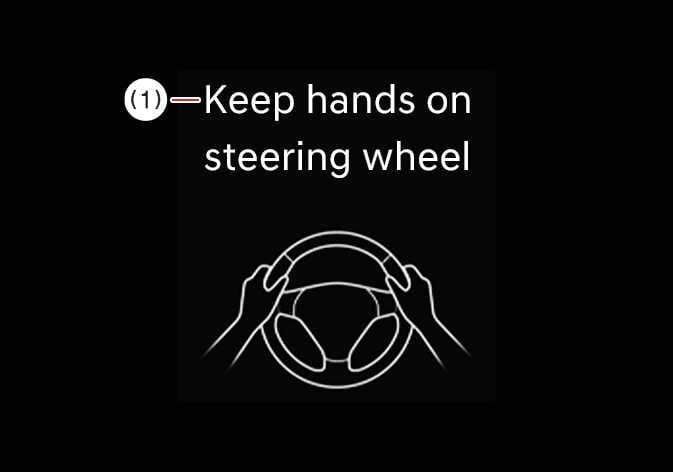
Hands-off warning
 OCL4M055099N |
|
If the driver takes their hands off the steering wheel for several seconds, the warning message will appear on the cluster, and an audible warning will sound in stages.
-
The steering wheel may not be assisted if the steering wheel is held very tight or the steering wheel is steered over a certain degree.
-
Lane Keeping Assist does not operate at all times. It is the responsibility of the driver to safely steer the vehicle and to maintain the vehicle in its lane.
-
The hands-off warning message may appear late depending on road conditions. Always stay alert and have your hands on the steering wheel while driving.
-
If gloves are worn or the steering wheel is held lightly, the hands-off warning message may appear because Lane Keeping Assist may not recognize that the driver has their hands on the steering wheel.
-
If you attach objects to the steering wheel, the hands-off warning may not work properly.
-
When lane markings (or road edges) are detected, the lane lines on the cluster will change from gray to white.
-
If you select Highway Lane Change Assist, the green lane will appear on the cluster.: (if equipped)
Figure 1. Lane undetected 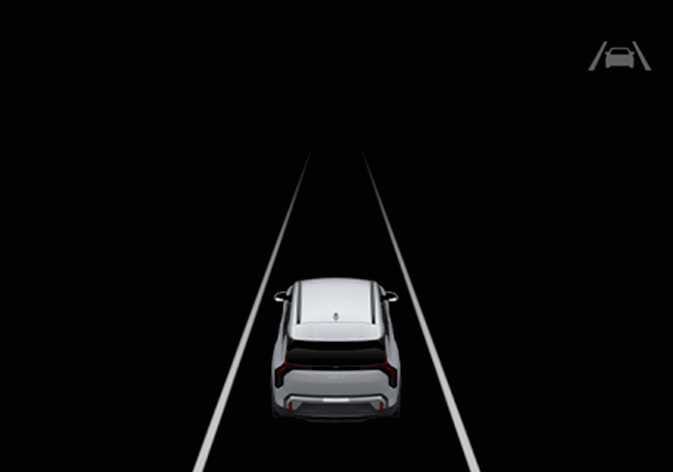 OSVM006003L
Figure 2. Lane detected 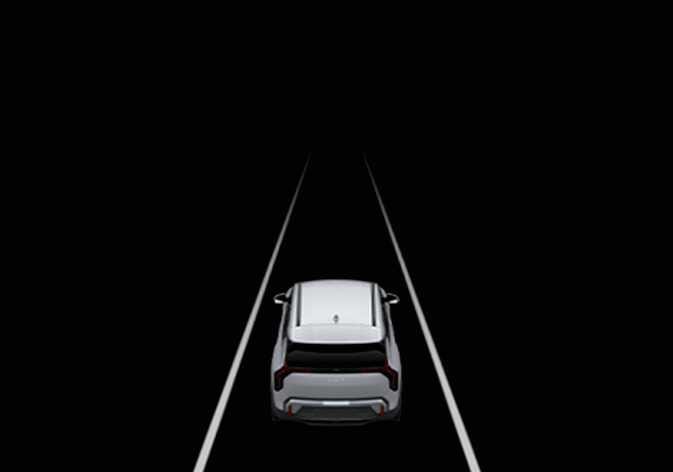 OSVM006021L
 -
The images and colors in the instrument cluster may differ depending on the cluster type or theme selected from the settings menu.
-
The lane lines shown on the instrument cluster may differ from the actual lane markings.
-
Even though the steering is assisted by Lane Keeping Assist, the driver may control the steering wheel.
-
The steering wheel may feel heavier or lighter when the steering wheel is assisted by Lane Keeping Assist than when it is not.
-
For more details on the instrument cluster, refer to LCD display