

How to connect portable charging cable (ICCB: In-Cable Control Box)
-
Turn OFF all switches, move the shift dial to P (Park), and turn OFF the vehicle.
-
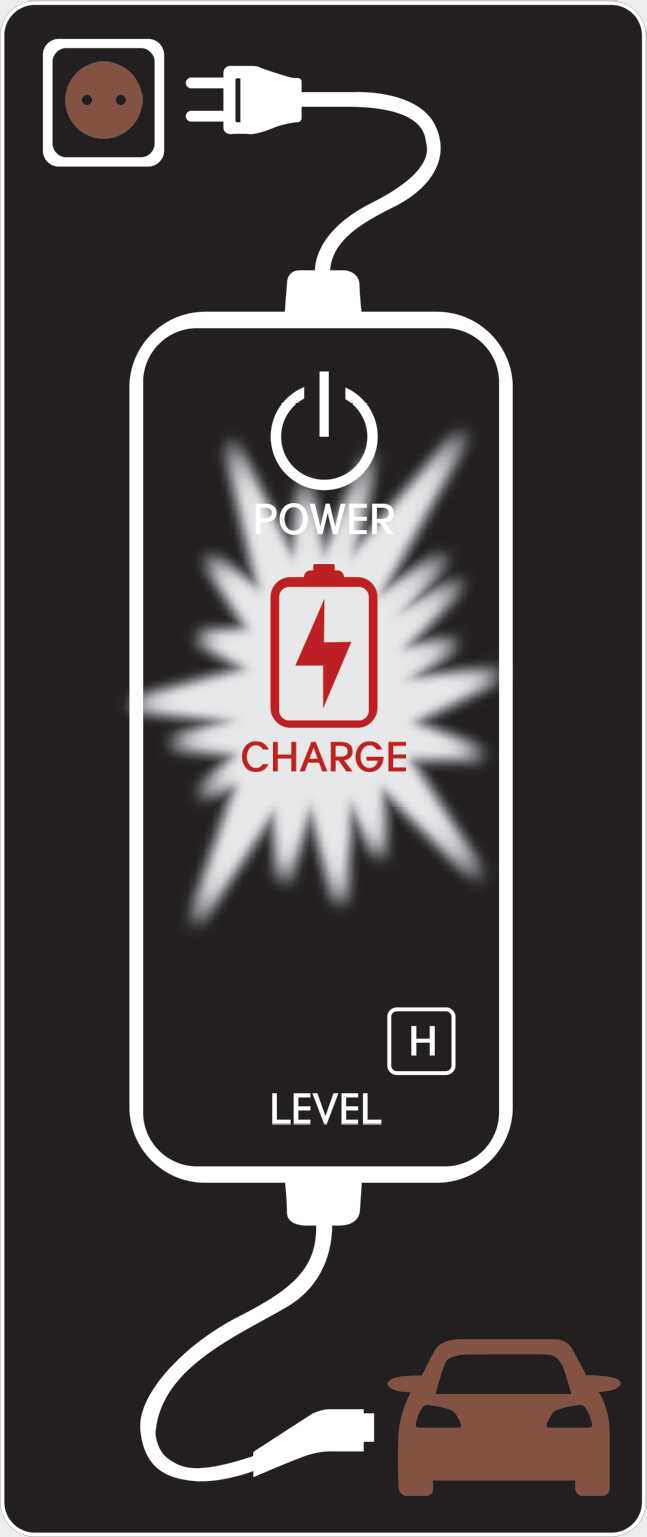
Connect the plug to a household electric outlet.
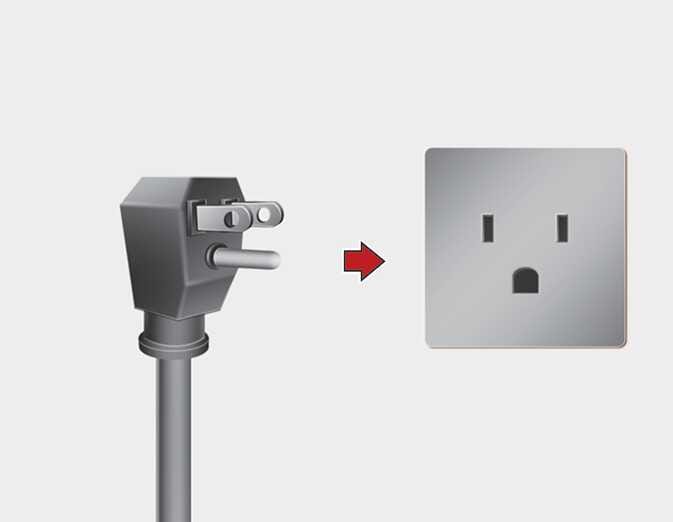 OMQ4Q011003N
 -
Make sure that the power connection indicator (green) lights in the control box.
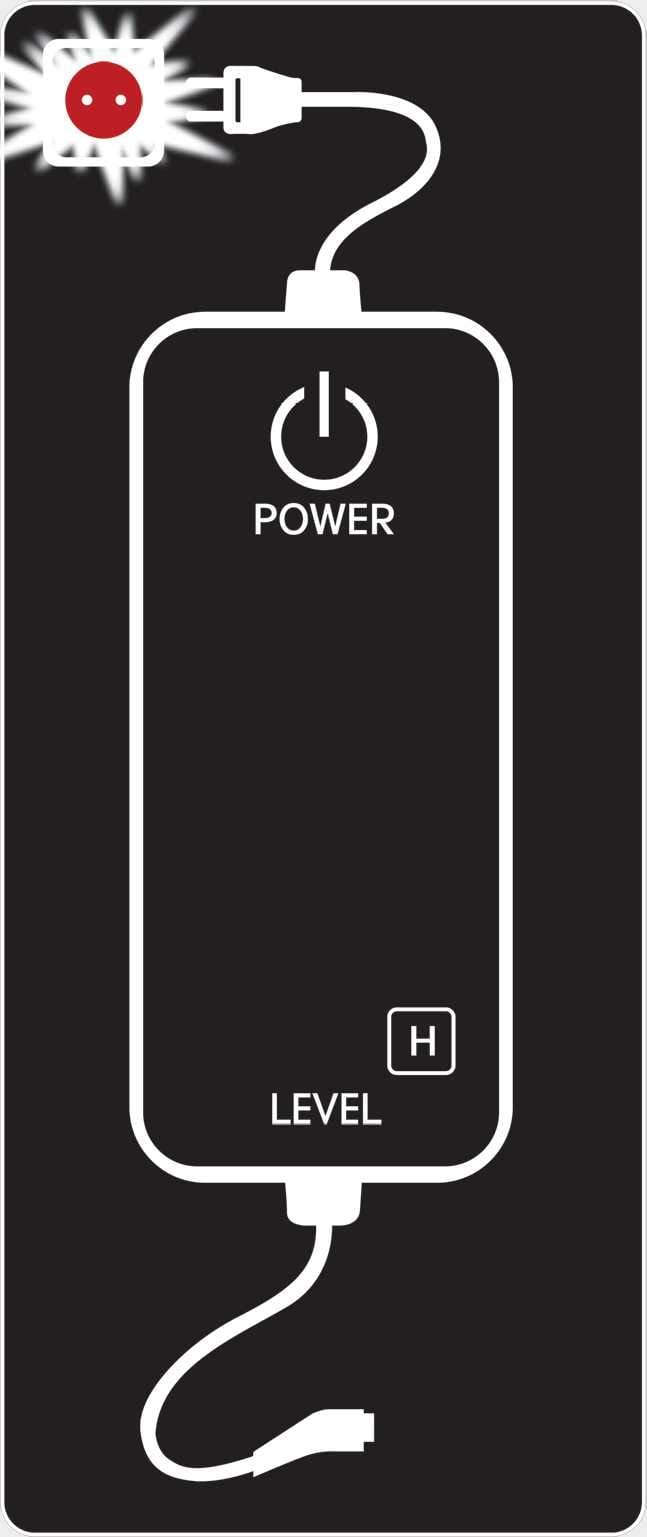 OCDPQ019051
 -
Depress the brake pedal and apply the parking brake.
-
Open the charging inlet door by pressing rear center edge of the charging inlet door.
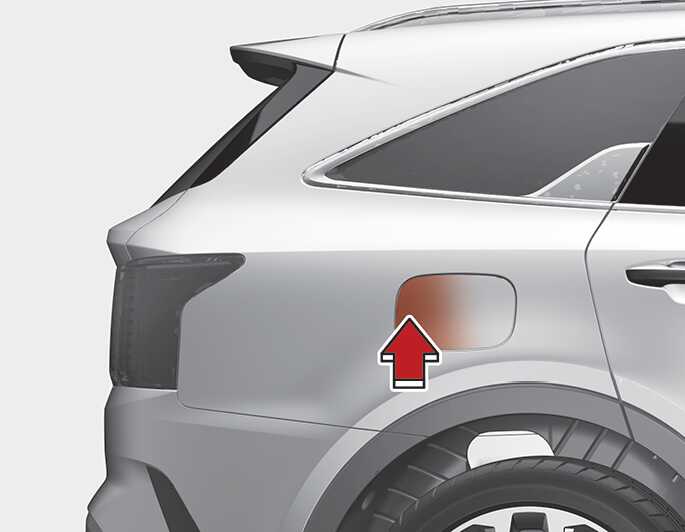 OMQ4PHQ010040L0
 -
Remove any dust on the charging connector and charging inlet.
-
Hold the charging connector handle.
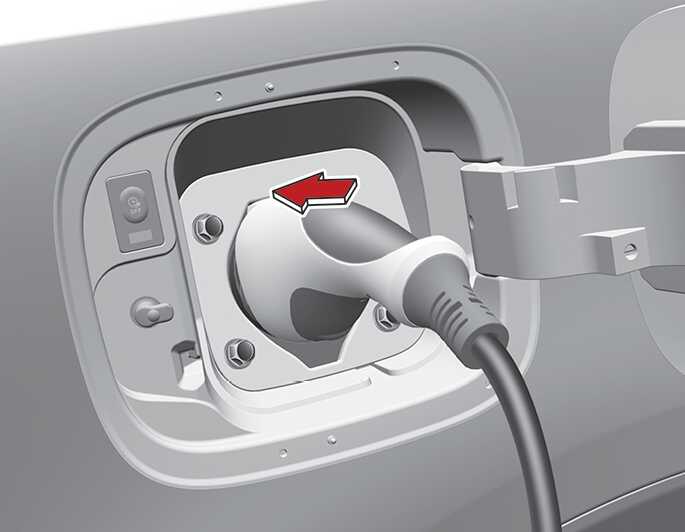 OMQ4PHQ010041L0
Figure 1. Vehicle connection  OCDPQ019052
Then, insert it into the charging inlet, until you hear a click sound. If it is not fully connected, improper connection between the charging connector and the charging terminals are a potential fire hazard.
-
Charging starts automatically and the charging light blinks.
 OCDPQ019053
 -
Check if the charging cable connection indicator (
 ) of the high voltage battery in the instrument cluster is turned ON.
Charging does not occur when the indicator is OFF. When the charging connector is not connected properly, reconnect the charging cable to charge.
NOTE-
The charging is in progress only with the shift dial is in P (Park). Charging the battery with the ENGINE START/STOP button in the ACC position is possible. However, it may discharge the 12V battery. Thus, if possible, charge the battery with the ENGINE START/STOP button in the OFF position.
-
Moving the shift dial from P (Park) to R (Reverse)/N (Neutral)/D (Drive) stops the charging process. To restart the charging process, move the shift dial to P (Park), press the ENGINE START/STOP button to the OFF position, and disconnect the charging cable. Then, connect the charging cable and restart the charging process.
-
-
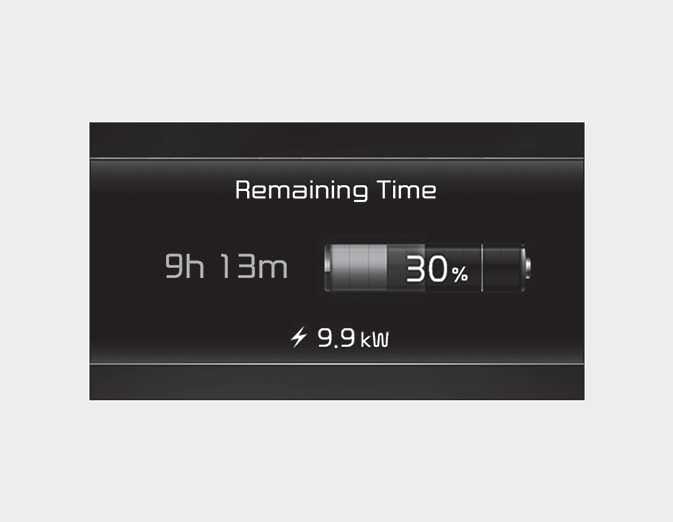
After charging has started, the estimated charging time is displayed on the instrument cluster for about 1 minute. It is also displayed, when the driver's door is opened with charging in progress. When scheduled charging is set, the estimated charging time is displayed as "--".
 OMQ4PHQ010048L