

Front-view
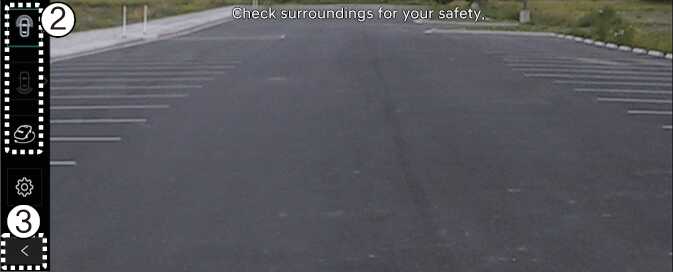
The front-view function displays the vehicle's front situation on the navigation system according to the driver's settings, assisting in safe driving.
Parking
While parking, the front-view of the Surround View Monitor is activated under the following conditions:
-
P (Park) or N (Neutral) or D (Drive) position with a speed slower than 6 mph (10 km/h), Pressing the Parking/View button (1).
-
Shifting from R (Reverse) to N (Neutral) or D (Drive) and the vehicle speed is slower than 6 mph (10 km/h).
-
Forward Parking Distance Warning warns the driver when the vehicle is in D (Drive)
*(If Setup → Vehicle → Driver Assistance → Parking Safety → Surround View Monitor Auto On on the infotainment system selected)
Pressing the view switching button (2) on the Surround View Monitor to select the Top View, Front-view, Side-view, or Wide View.
While parking, the front-view of the Surround View Monitor will be turned off under the following conditions:
-
Shifting to P (Park) or R (Reverse)
-
Pressing the Parking/View button (1)
-
Pressing the back button (3) on the Surround View Monitor screen
-
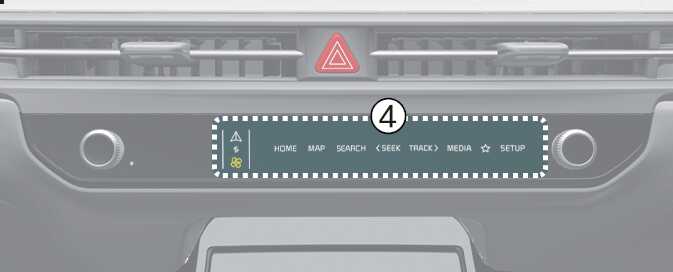
Pressing the infotainment system power button (4)
-
Driving faster than 6 mph (10 km/h)
When the front-view is activated, the last used view is displayed.