

Turning Lane Keeping Assist ON and OFF
 OCV105072N |
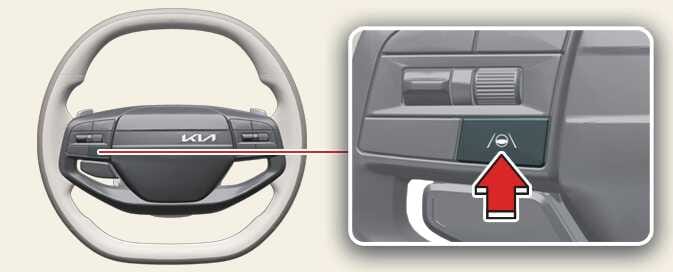
With the vehicle on, press and hold the Lane Driving Assist button (  ) located on the steering wheel to turn on and off Lane Keeping Assist.
The gray or green indicator ( ) appears on the instrument cluster if you turn ON Lane Keeping Assist.
The indicator light will turn off if you turn off Lane Keeping Assist.
NOTE
-
If the operating condition of Lane Keeping Assist are not met, the gray indicator (
) appears on the instrument cluster. -
If the operating condition of Lane Keeping Assist are met, the green indicator (
) will appear on the cluster.