

Rear Top View
 OCV105052N |
 OCV105067N |
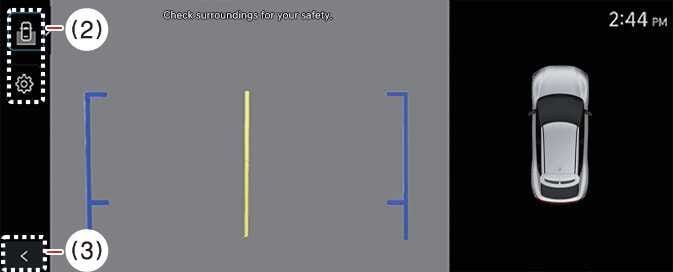
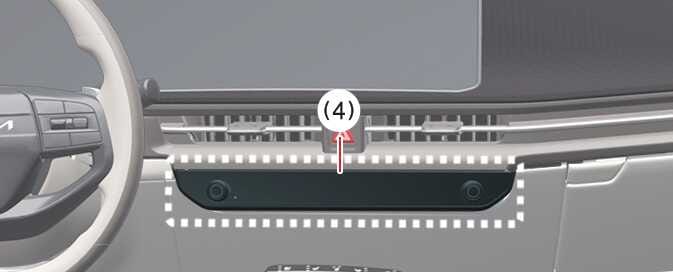
The Rear Top View displays an image of the vehicle from above to help you determine the space between your vehicle and another vehicle or object when you are parking.
To turn the Rear Top View ON, press the Rear Top View button.
-
In all views, the video will not turn off when the vehicle is in R (Reverse) mode.
-
When the rear monitor is activated, the last used view mode will be displayed.
-
Rear parking guidelines are displayed in the rear view and rear top view. Select from the settings menu in the infotainment system to display this. However, rear parking guidelines are not displayed in the rear view while driving.
-
Even if the vehicle speed drops below 10 km/h, the front view is maintained when the front view is activated while driving.
-
If the rear view is enabled while driving, the rear top view will be deactivated.