

Hands-off warning
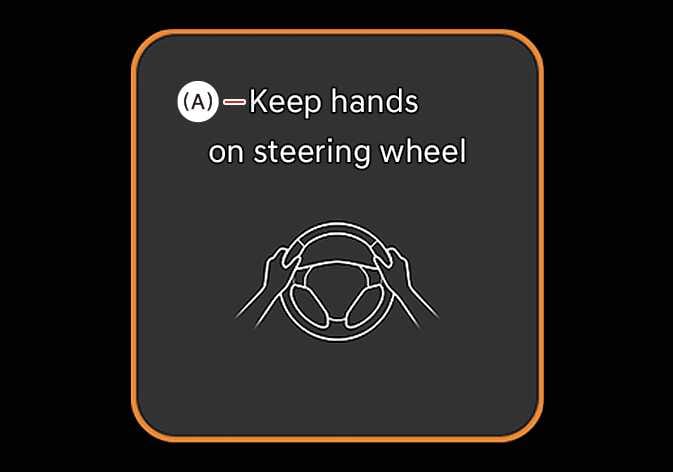 OSW055148L |
(A): Keep hands on steering wheel |
When the driver takes off their hands from the steering wheel for a few seconds, a warning message will appear and an audible warning will sound in stages.
-
First stage: Warning message
-
Second stage: Warning message (red steering wheel) and audible warning
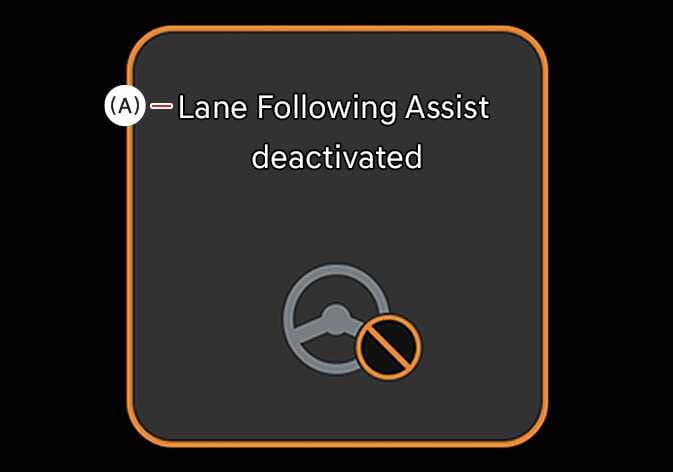 OSW055039L |
(A): Lane Following Assist deactivated |
If the driver still does not have their hands on the steering wheel after the hands-off warning the warning message will appear and Lane Following Assist will be automatically cancelled.
If the driver fails to respond to the Hands-off Level 2 warning whilst Smart Cruise Control is operating, the Emergency Stop function will activate. For details, refer to Emergency Stop (ES)
The hands-off warning will be cleared when the driver grips the steering wheel.
-
The steering wheel may not be assisted if the steering wheel is held very tight or the steering wheel is steered over a certain degree.
-
Lane Following Assist does not operate at all times. It is the responsibility of the driver to safely steer the vehicle and to maintain the vehicle in its lane.
-
The hands-off warning message may appear late depending on road conditions. Always have your hands on the steering wheel whilst driving.
-
If gloves are worn or the steering wheel is held very lightly the hands–off warning message may appear because Lane Following Assist may not recognise that the driver has their hands on the steering wheel.
-
If you attach objects to the steering wheel, the hands-off warning may not work properly.
-
When Lane Keeping Assist reaches its system limits, the indicator will blink white and a warning sound will alert the driver.
-
System limits: when the driver’s hands are off the steering wheel and the vehicle departs from the lane whilst Lane Keeping Assist is operating.
-
-
Lane Keeping Assist may not operate or may operate abnormally when driving on sharp curves.
-
When both lane markings are detected, the lane lines on the cluster will change from gray to white.
Figure 1. Lane undetected 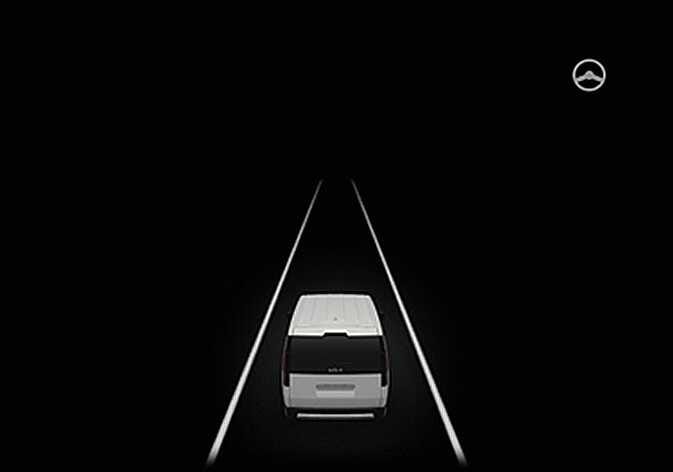 OSW055175
Figure 2. Lane detected 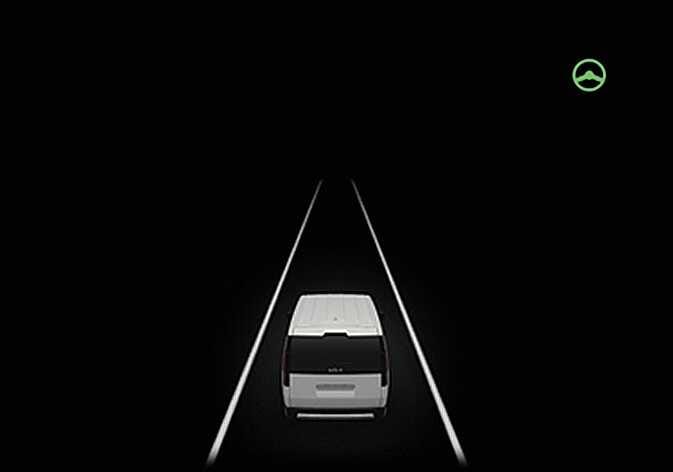 OSW055038
 -
The images and colours in the instrument cluster may differ depending on the cluster type or theme selected from the settings menu.
-
You may change settings infotainment system (Vehicle Settings). For more details, refer to LCD display.
-
If lane markings are not detected, steering wheel control by Lane Following Assist can be limited depending on whether a vehicle is in front or the driving conditions of the vehicle.
-
Even though the steering is assisted by Lane Following Assist, the driver may control the steering wheel.
-
The steering wheel may feel heavier or lighter when the steering wheel is assisted by Lane Following Assist than when it is not.