

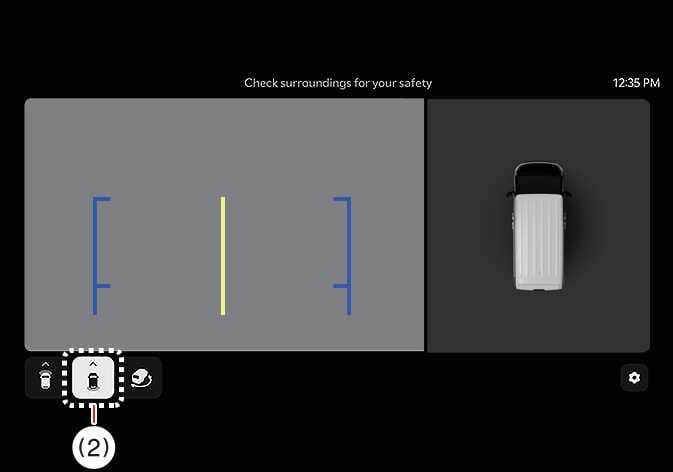
Rear top view
 OSW055186L |
(2) View switching button |
 OSW055122R |
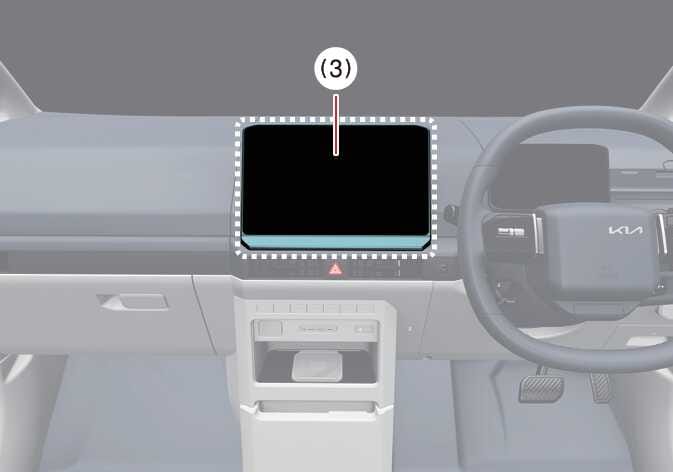
(3) Infotainment system operation button |
The rear top view shows an image of the vehicle looking down from above, allowing you to determine the distance from the rear vehicle or object when parking.
Press the Rear Top View button to turn on the Rear Top View.
-
In all views, the video will not turn off when the vehicle is in R (Reverse) mode.
-
When the rear monitor is activated, the last used view mode will be displayed.
-
Rear parking guidelines are displayed in the rear view and rear top view. Select from the settings menu in the infotainment system to display this function. However, rear parking guidelines are not displayed in the rear view whilst driving.
-
Even if the vehicle speed drops below 10 km/h, the front view is maintained when the front view is activated whilst driving.
-
If the rear view is enabled whilst driving, the rear top view will be deactivated.