
Warning Volume
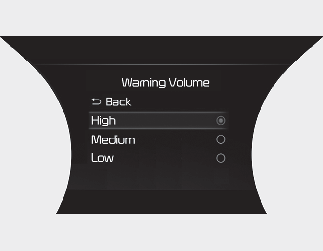
With the ENGINESTART/STOP button in the ON position, select ‘Driver Assistance → Warning Volume’ from the “User Settings (LCD display) or Setup → Vehicle (Infotainment System screen)” menu to change the Warning Volume to ‘High’, ‘Medium’, ‘Low’ for Smart Cruise Control.
If you change the Warning Volume, the Warning Volume of other Driver Assistance systems may change.

Notice
If the engine is restarted, Warning Volume will maintain the last setting.