
Driver Attention Warning settings
Driver Attention Warning

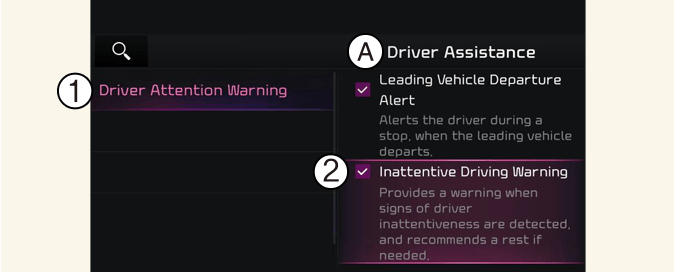
A: Driver Assistance
-
Driver Attention Warning
-
Inattentive Driving Warning
With the vehicle on, touch or deselect Settings → Driver Assistance → Driver Attention Warning on the instrument cluster or select Settings → Vehicle → Driver Assistance → Driver Attention Warning on the infotainment system.
-
If Inattentive Driving Warning is selected, Driver Attention Warning will recommend taking a break when the level falls below a certain level.
Leading Vehicle Departure Alert

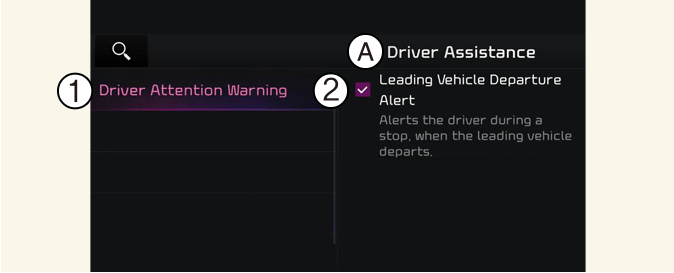
A: Driver Assistance
-
Driver Attention Warning
-
Leading Vehicle Departure Alert
-
If Leading Vehicle Departure Alert is selected, the function will inform the driver when a detected vehicle in front departs from a stop.

Descriptions for each function of the Driver Assistance system may differ from the owners' manual by infotainment software update. Refer to the web manual that you can access with the QR code in the infotainment system quick reference.