
Function setting and operation
Function setting
-
Driver Attention Warning is set to be in the OFF position, when your vehicle is first delivered to you from the factory.
-
To turn ON Driver Attention Warning, turn on the engine, and then select 'User Settings → Driver Assistance → Driver Attention Warning → Leading Vehicle Departure Alert/Inattentive Driving Warning’ on the LCD display.
-
The set-up of Driver Attention Warning will be maintained, as selected, when the engine is re-started.
Warning Timing
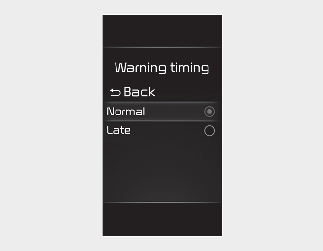
The driver can select the initial warning activation time in the User Settings in the LCD display by selecting 'User Settings → Driver Assistance → Warning Timing'. The options for the initial Inattentive Driving Warning includes the following:
-
Normal: Driver Attention Warning helps warn the driver of his/her fatigue level or inattentive driving practices faster than Late mode.
-
Late: Driver Attention Warning helps warn the driver of his/her fatigue level or inattentive driving practices later than Normal mode.