
Function operation
To set speed
-
Accelerate to the desired speed, which must be more than 30 km/h (20 mph).
-
Press the Driving Assist button at the desired speed. The set speed and Cruise (
 CRUISE) indicator will illuminate on the cluster.
Type A
CRUISE) indicator will illuminate on the cluster.
Type A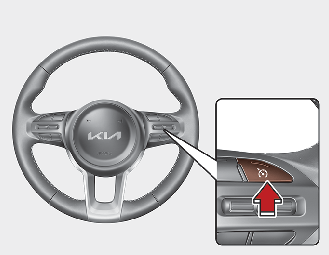 Type B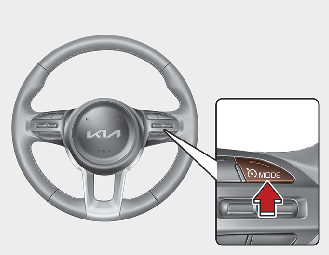
-
Release the accelerator pedal. Vehicle speed will maintain the set speed even when the accelerator pedal is not depressed.
 Notice
On a steep slope, the vehicle may slightly slow down or speed up whilst driving uphill or downhill.