

Forward Safety
 OMQ4053185L |
|
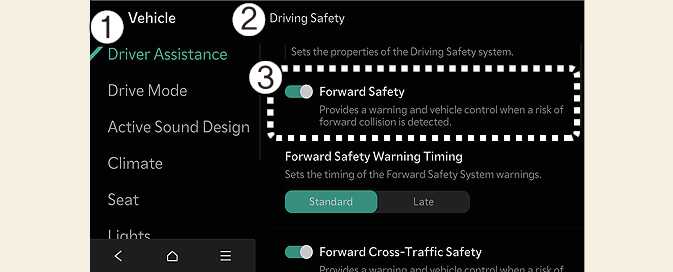
While the vehicle is DRIVE READY, tap on the infotainment system screen to change the Forward Collision-Avoidance Assist settings.
-
Forward safety: Collision warning or emergency braking may operate in a collision-imminent situation. If you deselect the setting, Forward safety will turn off and the Forward Safety warning light (
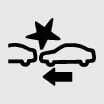 ) will appear on the cluster.