

Collision warning (while driving)
 OCV105007N |
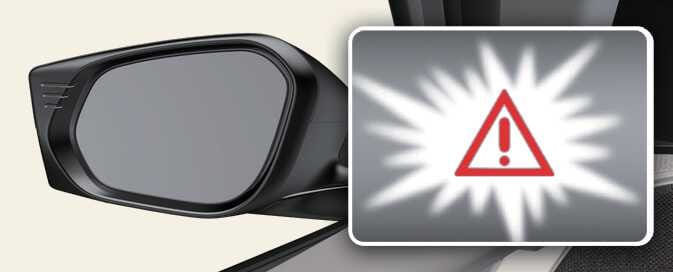
The warning light on the cluster, outside rear view mirror and head-up display (if equipped) will appear when the vehicle on both lanes is detected from the rear.
A vehicle is detected in the following conditions:
-
Your speed is above 12 mph (20 km/h).
-
The speed of the vehicle in your blind spot area: Above 6 mph (10 km/h)
With the vehicle detection state, Collision warning will alert the driver when the turn signal is activated to make a lane change with an adjacent car in the blind spot area.
-
Collision warning will alert the driver with the warning light on the cluster, outside rear view mirrors, head-up display (if equipped) and an audible warning.
-
When you turn OFF the turn signal or move away from the lane, the collision warning cancels, and the function returns to vehicle detection state.
Collision Warning operates under the following conditions:
-
Your speed is above 25 mph (40 km/h).
-
The speed of the vehicle in your blind spot area: Above 6 mph (10 km/h)
-
The detecting range of the front or rear corner radar is determined by a standard road width. Therefore, on a narrow road, Blind-Spot Collision-Avoidance Assist may detect other vehicles 2 lanes over and warn you. In contrast, on a wide road, Blind-Spot Collision-Avoidance Assist may not be able to detect a vehicle driving in the next lane and may not warn you.
-
When the hazard warning flasher is ON, the collision warning next to the turn signal will not operate.
-
If the driver’s seat is on the left side, the collision warning may occur when you turn left. If the driver’s seat is on the right side, the collision warning may occur when you turn right.
Maintain a proper distance with the vehicles in the lane.
-
The images or colors may display differently depending on the specifications of the instrument cluster or theme.