

Mode selection
The mode selection icon controls the direction of the air flow through the ventilation system.
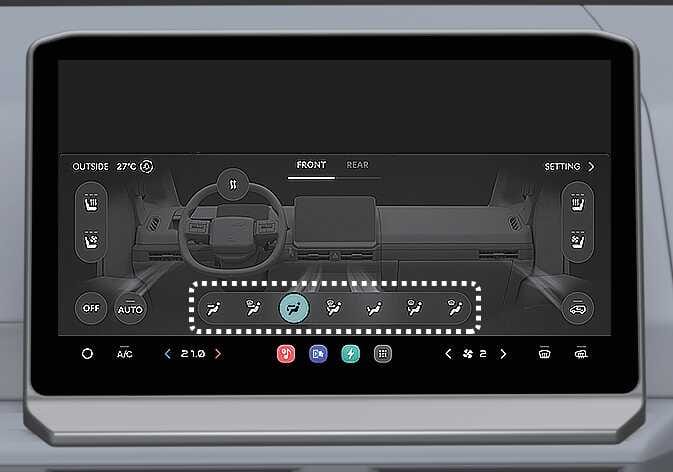 OSW035306 |
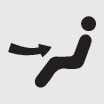 3, 5*
3, 5*
The wind is coming out on the upper body and face. (This is typically the position when cooling.)
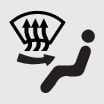 1, 2, 3, 5*
The wind comes out on the upper body and windscreen.
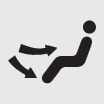 3, 4, 5*, 6*
It is used to make the air come out from the face and toes.
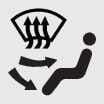 1, 2, 3, 4, 5*, 6*
Wind comes from all directions.
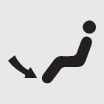 1, 2, 4, 6*
It is mainly used to make the wind come out from the tip of the foot. (This is typically the location for heating.)
In order to prevent the occurrence of moisture on the front/side glass, some wind comes from the first and second directions.
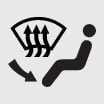 1, 2, 4, 6*
It is used to remove moisture from the windscreen whilst allowing wind to come out from the tips of the feet.
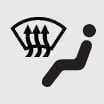 1, 2
1, 2
The wind is coming out towards the windscreen.
if equipped
Instrument panel vents
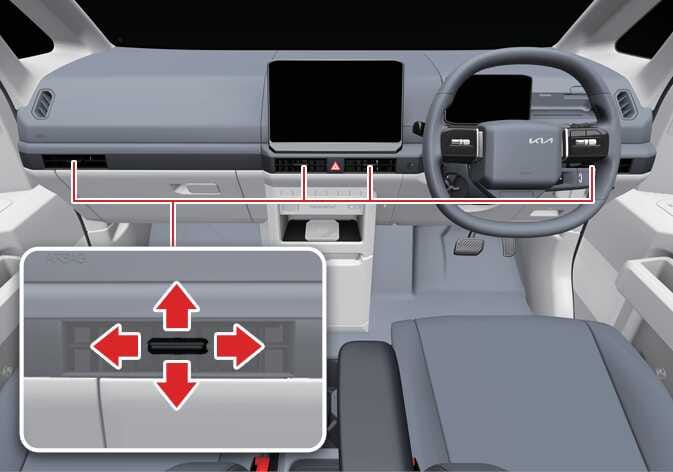 OSW035302R |
You can adjust the direction of air delivered from these vents using the vent control lever as shown.