
Function settings
Warning volume
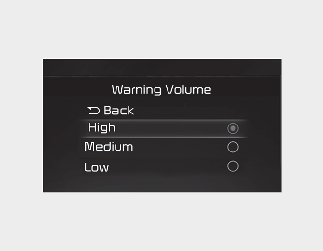
Select 'Driver Assistance → Warning Volume' from the cluster or infotainment system Settings menu to change the Warning Volume to 'High', 'Medium', or 'Low' for Forward/Reverse Parking Distance Warning.
Parking Distance Warning Auto On
Forward Parking Distance Warning can use 'Auto ON' function.
To use Parking Distance Warning Auto On function, select 'Driver Assistance → Parking Safety → Parking Distance Warning Auto On' from the cluster or infotainment system Settings menu.