
Function settings
Setting
Turning On/Off
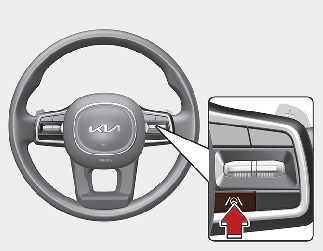
With the engine on, shortly press the Lane Driving Assist button located on the steering wheel to turn on Lane Following Assist.
The white or green ( ) indicator light will illuminate on the cluster.
Press the button again to turn off the function.
Warning volume
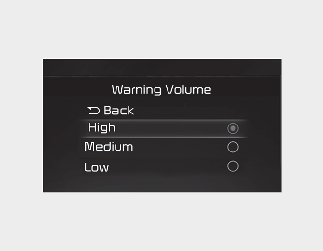
With the engine on, select 'Driver Assistance → Warning Volume' from the Settings menu to change the Warning Volume to 'High', 'Medium', or 'Low' for Hands-off warning.
If you change the Warning Volume, the Warning Volume of other Driver Assistance systems may change.